


Microwave
Control Board and Touchpad Repair
Tracing a dead display, keys that do not answer or a code that keeps returning to the keypad, the ribbon, the relays or the main board, and replacing only the part that failed.
Mon–Sat, 8am–8pm
- Moderate to highest cost band
- 5 steps on the visit
- 5 problems it answers
Book a visit
Three short steps, about a minute.
or call (844) 393-5858
Loading appointment form…
The appointment form couldn’t load. Please try again.
What the microwave control board and touchpad repair
involves.
Every microwave cycle starts on the touchpad and the control board behind it. The keypad is a thin membrane with a ribbon cable that plugs into the board; the board reads the keys, drives the display, switches the relays that feed the magnetron, the fan, the lamp and the turntable, and reads the humidity sensor and the thermal cutouts. Steam, grease and heat rising from burners or from the cavity wear these parts slowly. A membrane that has lifted or cracked leaves some keys dead or makes the unit beep on its own; a ribbon with corroded contacts does the same. A board with a failed relay may show a perfect display and never start heating, and one with a failed power supply leaves the display dark though the outlet is live. Before a board is ordered, the technician rules out the simpler things that look the same: a control lock, a demo mode, a door switch the board is waiting for, a blown fuse, a sensor it will not trust. The keypad and ribbon are tested on a meter, and the board's supply and outputs are measured with the capacitor discharged. On built-in and speed models some boards are made to order, so the part and its wait are confirmed with you before it is ordered.
How the visit goesWhat it usually costsModerate to highest · Control board, keypad membrane or display
A keypad membrane or its ribbon sits lower on the scale. A main board, especially one made for a single built-in or speed model and ordered from the maker, is among the costliest parts a microwave takes.
Answers 5 problemsMicrowave Touchpad Ignores Key Presses
Microwave Display Dark, Dim or Scrambled · Microwave Won't Turn On at All · What a Microwave Error Code Is Telling You · Microwave Shuts Off Before the Timer Ends
Comes up most onMicrowave hood combination
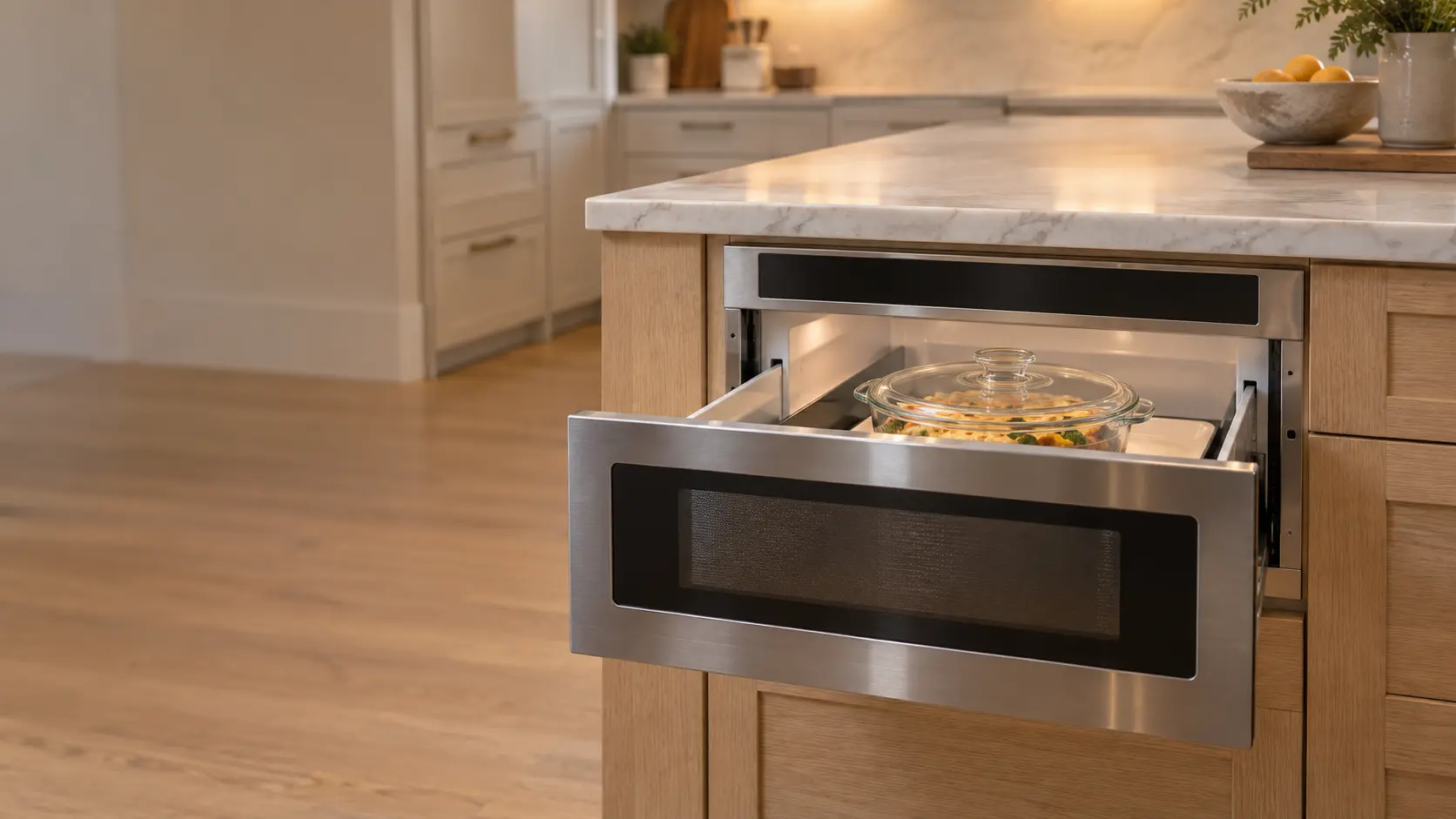
Built-in microwave · Microwave drawer · Countertop microwave
Codes that lead hereERROR · E-xx · E-11 · ERROR
Bertazzoni ERROR: a sensor program or clock setting failed.
Microwave control board and touchpad repair,
step by step.
Run every mode, clear any stored code, and show you each key and the display working before the cabinet is closed.
Look at the display and the keys, note any code, and rule out a control lock, a demo mode or a clock that is waiting to be set.
Check that the door switches and the fuse are sound, since a board waiting on a switch looks like a dead board.
Cut the power and discharge the capacitor, then test the keypad membrane and its ribbon, and the board's supply and relay outputs.
Replace the keypad, the ribbon or the board, ordered for the exact model, and reconnect every plug where it came from.
Run every mode, clear any stored code, and show you each key and the display working before the cabinet is closed.
The problems
it answers.
5 of them, from microwave touchpad ignores key presses to microwave shuts off before the timer ends.
All problems
Microwave Touchpad Ignores Key Presses
6 causes, cheapest first
Before you call
Tell us this when you book
- What the display shows now: nothing, a frozen reading, missing segments, a code, or a lock symbol
- Which keys fail, and whether the microwave beeps or starts on its own
- Whether the unit sits above burners, in a steamy spot, or had a spill run into the keypad
- Whether a power outage, a storm or a tripped breaker came just before it stopped
It also answers
Moderate to highest,
on the site's scale.
A keypad membrane or its ribbon sits lower on the scale. A main board, especially one made for a single built-in or speed model and ordered from the maker, is among the costliest parts a microwave takes.
Read the full cost guide| Repair | Relative cost |
|---|---|
| Magnetron and waveguide cover | |
| High-voltage diode, capacitor, transformer or inverter board | |
| Door interlock switches, latch or hinge | |
| Turntable motor, coupler or roller ring | |
| Control board, keypad membrane or display | moderate to highest |
| Exhaust fan motor, filters or heat switch | |
| Lamp, socket, line fuse or thermal cutout | |
| Drawer drive motor, gear rack, slides or position switches | |
| Convection element, hot-air fan, lamps or sensor |
Where it
comes up most.
Most bookings: Microwave hood combination, Built-in microwave, Microwave drawer, Countertop microwave.
All microwave types

The makes
we see it on.
18 makes on this site, and the microwave control board and touchpad repair on any of them. Each mark opens that make's own page.
All 18 brandsMicrowave control board and touchpad repair,
where we come out.
The kitchen, the climate and the building all change how the microwave control board and touchpad repair goes. These notes are about that, metro by metro.
All service areasTampa BayFL · 31 areas
A lightning strike near a Tampa Bay home can leave a microwave's board dead or its display scrambled, and the repair tests the fuse and the low-voltage transformer first, then replaces whichever board or touchpad no longer answers.
OrlandoFL · 30 areas
Orlando rental touchpads are pressed with wet and sticky fingers all week, and a key that no longer responds, or one that starts the microwave by itself, is a membrane worn past cleaning that the repair replaces.
Miami / South FloridaFL · 47 areas
Salt and humidity in South Florida towers creep under a microwave touchpad and into the board's connectors, causing phantom presses or dead keys, and the repair replaces the membrane or the board once the damp's way in is found.
New York MetroNY · 75 areas
Steam from the pots below rises straight into a New York microwave hood combination's touchpad in a small kitchen, and years of it lift the membrane at its corners until keys fail; the repair fits a new touchpad and tests the board behind it.
HoustonTX · 36 areas
A Houston microwave whose display stayed blank after the February 2021 freeze or a summer outage may have lost a board fuse or its power supply section, and those are tested before the whole control board is replaced.
ChicagoIL · 50 areas
Chicagoland kitchens remodeled in the 2000s hold microwaves now old enough for cracked touchpad membranes and worn board relays, and the repair sources the maker's own part for the exact model before the visit.
Los AngelesCA · 95 areas
Los Angeles owners often report a microwave that beeps and shows a code after a power shutoff, and many only need the clock set or the control lock cleared; a board that stays dark after that is tested and replaced.
San DiegoCA · 31 areas
In a San Diego beach condo a microwave display that dims or flickers often has corroded connectors behind the touchpad, and the repair cleans or renews them before a new control board is even considered.
San Francisco Bay AreaCA · 74 areas
Speed and convection microwaves in Bay Area kitchens carry larger boards with more relays, and a unit that heats but will not brown, or browns but will not heat, is often one relay the technician tests on the board.

Questions about
the microwave control board and touchpad repair.
None of the keys on my microwave work. Is the board broken?
Why does my microwave beep or start by itself?
Can a power surge ruin a microwave's control board?
Back to your everyday
Ready to book the microwave control board and touchpad repair?
Have these to hand: what the display shows now: nothing, a frozen reading, missing segments, a code, or a lock symbol, which keys fail, and whether the microwave beeps or starts on its own, whether the unit sits above burners, in a steamy spot, or had a spill run into the keypad, whether a power outage, a storm or a tripped breaker came just before it stopped.