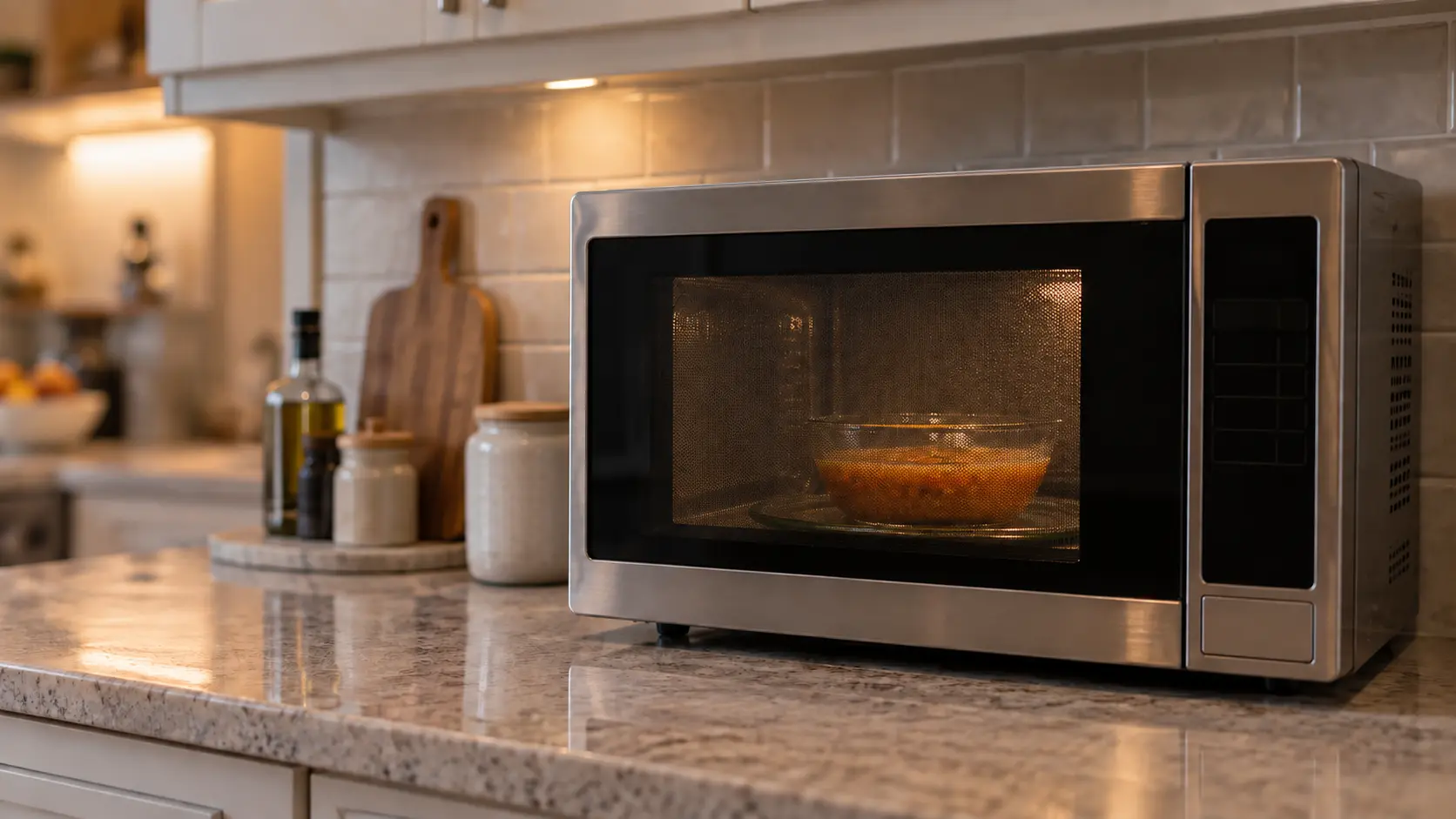
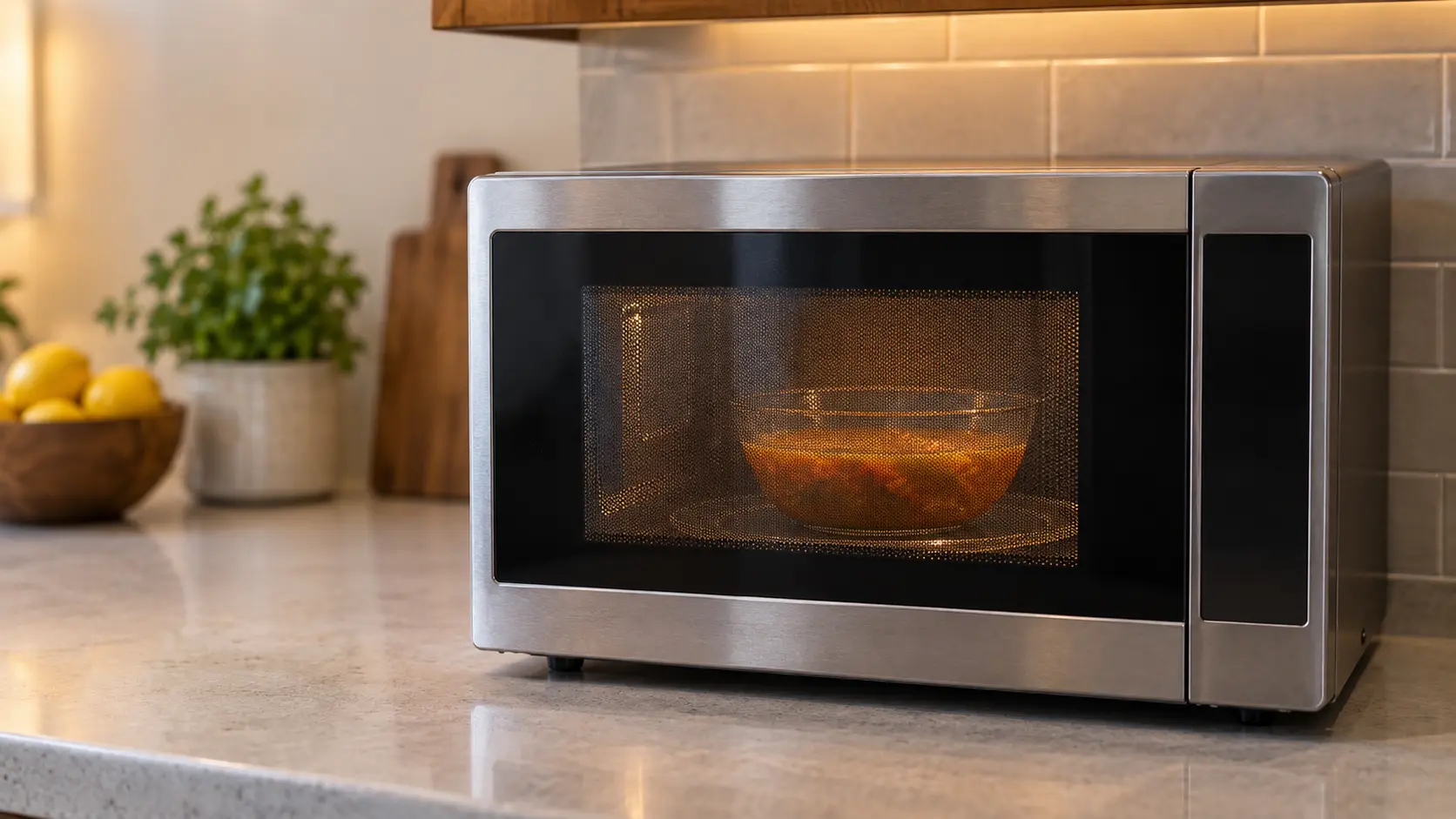

Microwave
Shuts Off Before the Timer Ends
When a microwave stops mid-cycle, the timer freezes or the display goes dark partway through, the hum dies with the food half heated, and on some units it comes back after a rest while on others it waits for the breaker to be cycled.
Mon–Sat, 8am–8pm
- 5 checks before you book
- 5 questions that narrow it
- 6 causes, cheapest first
Book a visit
Three short steps, about a minute.
or call (844) 393-5858
Loading appointment form…
The appointment form couldn’t load. Please try again.
What it
usually means.
A microwave that quits partway has usually been told to by one of its protections. Thermal cutouts on the magnetron and near the vents open when heat builds, and heat builds fastest when the cooling air cannot move: a countertop unit shoved against a backsplash, a built-in whose trim kit openings are blocked, a hood combination whose top grille is covered or whose underside is choked with grease. The door switches are the second group: a latch hook worn smooth, a door that springs back a hair, or a switch close to failing breaks the circuit when the turntable shakes a heavy dish. A sensor program is a third, harmless case: the humidity sensor ends cooking when steam reaches it, sometimes earlier than the owner expects. Then come voltage dips on a shared circuit, a worn key that sends a stop, and a board that resets itself. When and how it stops, after the same few minutes, at a touch of the door, or at random, points to which.
 The 6 causes, cheapest first
Answer these first
Does it stop after about the same time on every run, or at random moments?
Does the display go dark, freeze, or return to the time of day as if the cycle had ended?
Does it start again at once, or only after it has sat for a while to cool?
Does touching or bumping the door make it stop?
Was it on a sensor setting such as sensor reheat or popcorn?
Check these
before you book.
Microwave stops mid-cycle: 5 checks, and none of them costs anything.
Run a timed cycle with a cup of water instead of a sensor setting, and note when it stops.
Make sure the vents are clear: a few inches around a countertop unit, nothing on the grille of a hood combination, clean grease filters underneath.
Close the door firmly and see whether a light touch on it during a cycle stops the unit; never hold or force the latch.
Also worth checking
- Run it with nothing else on the same circuit to rule out a voltage dip.
- Tell us after how long it stops, what the display shows, and the model number from the label inside the door frame.
How soon does it need a visit?
Not urgent unless the stops come with a burning smell, a spark, or a trip of the breaker. A unit that shuts off from heat is protecting itself; do not restart it back to back, give it time and clear the vents first.
The causes,
cheapest first.
6 things microwave shuts off before the timer ends turns out to be, from a sensor program ending the cycle to a board that resets itself.
The cost guide-
01 no repair
A sensor program ending the cycle
Sensor reheat, sensor cook and popcorn settings stop when steam reaches the humidity sensor. A tight lid, very dry food, or a draft through the vents can end the cycle early; a timed cycle tells you whether anything is wrong.
-
02 no repair
Vents blocked by the wall or the cabinet
Clearing a few inches around a countertop unit, uncovering the grille of a hood combination, or putting a built-in's trim kit back often ends the trouble on its own.
-
03 low to moderate
A worn latch or a door switch near its end
When a hook or a switch barely makes contact, the vibration of the turntable or a light touch on the door opens the circuit, and the cycle stops as if the door had opened.
-
04 low to moderate
A cutout or cavity sensor gone oversensitive
A cutout that opens at too low a temperature, or a cavity sensor that reads high, stops the unit even with clear vents.
-
05 low to moderate
A slow cooling fan
The small fan that cools the magnetron and the board loses speed as its bearings dry, and heat builds until a cutout trips. A fan that sounds rough or slow at the start of a cycle is the clue.
-
06 moderate
A board that resets itself
A board with a weak supply or a cracked solder joint can reset under load, dropping back to the clock as if the power had blinked.
What else
it could be.
Most often confused with microwave runs but food stays cold, then microwave door won't latch shut.
All problemsCodes that come with it
SERVICEBertazzoni · Power and supplyERRORBertazzoni · Sensors and temperatureE-xxBosch · Control board and touchpadERRORBosch · Sensors and temperatureENJOY YOUR MICROWAVE TOUCH CLEARBosch · Power and supplyHOTCafé · Sensors and temperature
Also related


The makes
it happens on.
18 makes on this site; microwave shuts off before the timer ends can show up on any of them. Each mark opens that make's own page.
All 18 brandsMicrowave Shuts Off Before the Timer Ends,
where we come out.
9 metros, each with its own page.
All service areasTampa BayFL · 31 areas
Miami / South FloridaFL · 47 areas
New York MetroNY · 75 areas
HoustonTX · 36 areas
ChicagoIL · 50 areas
Los AngelesCA · 95 areas
San DiegoCA · 31 areas

Questions about
microwave shuts off before the timer ends.
Why does it stop when I lean on the door?
Can a microwave overheat because it sits inside a cabinet?
Sensor reheat stops before the food is hot. Has the sensor gone bad?
It starts again after ten minutes of rest. Why would that be?
Back to your everyday
Still seeing microwave shuts off before the timer ends?
Book with what you checked above — 5 answers save the technician the first part of the visit.