


Microwave
Touchpad Ignores Key Presses
A microwave touchpad not responding ignores one key, a row of keys or the whole panel, beeps without acting, needs a hard press in one spot, or enters numbers nobody touched, and on a unit above the cooking surface it often begins after a steamy dinner.
Mon–Sat, 8am–8pm
- 5 checks before you book
- 5 questions that narrow it
- 6 causes, cheapest first
Book a visit
Three short steps, about a minute.
or call (844) 393-5858
Loading appointment form…
The appointment form couldn’t load. Please try again.
What it
usually means.
Most microwave keypads are a thin membrane: two plastic sheets printed with circuits and a spacer between them, glued to the front and joined to the board by a flat ribbon. A press closes a contact and the board reads which one. The membrane wears where fingers go most, on start, add thirty seconds and the number one, and a cracked trace makes a key die or respond only to a hard press. Steam and grease rising from pots under a hood combination, or water wiped hard across the panel, can creep under an edge and make keys stick or press themselves. The ribbon's connector can work loose or corrode. Glass touch panels on built-ins and drawers read the finger through the glass instead, and a film of grease or a wet fingertip confuses them. Before any of that, the control or child lock is the most common reason a whole panel ignores its owner, and a keypress undoes it.
 The 6 causes, cheapest first
Answer these first
Is the whole panel ignoring presses, or only certain keys?
Does a lock icon or a lock word show when you press a key?
Does the unit beep for a press without acting, or not beep at all?
Has it ever entered numbers, beeped or started by itself?
Is there a bubble, a crack or a peeling edge on the keypad, or moisture under it?
Check these
before you book.
Microwave touchpad not responding: 5 checks, and none of them costs anything.
Look for a lock icon and release it as the manual shows, often a three-second press on stop or a lock key.
Wipe the panel dry and free of grease, and try the key with a clean, dry fingertip.
If it ever starts, adds time or beeps by itself, switch it off at the breaker and leave it off.
Also worth checking
- Switch the breaker off for a minute and back on to reset the board, then try again.
- Note which keys fail and send the model number from the label inside the door frame.
How soon does it need a visit?
Not urgent, with one exception: a microwave that starts, adds time or changes power without being touched is switched off at the breaker and left off. A key that presses itself can run the magnetron empty or overheat food until it burns.
The causes,
cheapest first.
6 things microwave touchpad ignores key presses turns out to be, from the panel lock is on to control board failure.
The cost guide-
01 no repair
The panel lock is on
The lock silences every key except the one that releases it. The manual shows which key and for how long.
-
02 no repair
Grease or water on a glass touch panel
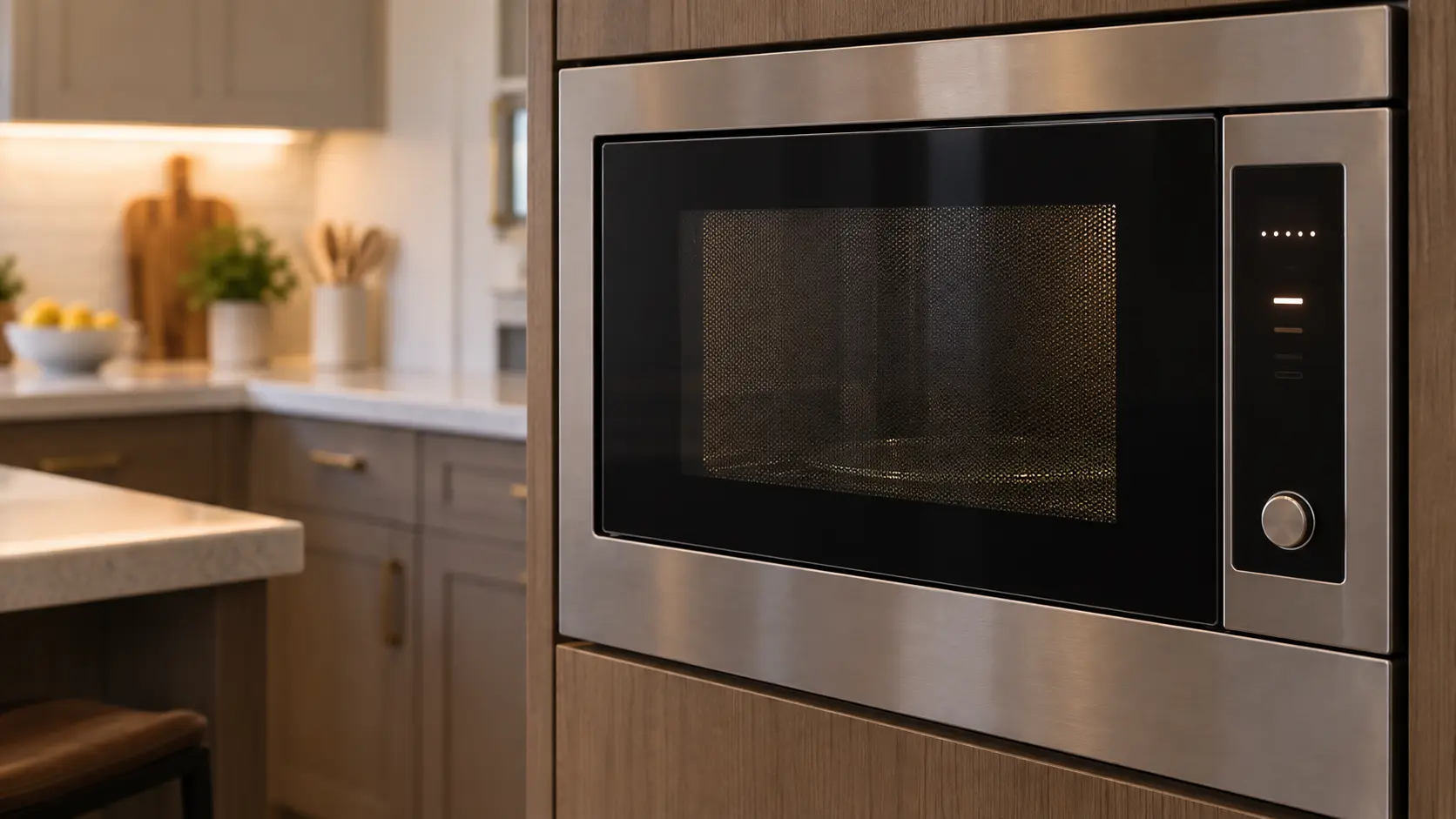
Touch panels on built-ins and drawers read the finger through the glass. A film of grease, a wet finger or a cloth left on the panel makes them miss or misread.
-
03 low
A loose or corroded ribbon connector
The keypad's ribbon plugs into the board behind the panel. A connector that worked loose from vibration or grew green from steam cuts off a group of keys.
-
04 low to moderate
Worn membrane keys
The keys used most crack first. The whole keypad is replaced as one piece, and on some models it comes joined to the front panel.
-
05 low to moderate
Steam under the keypad of a hood combination
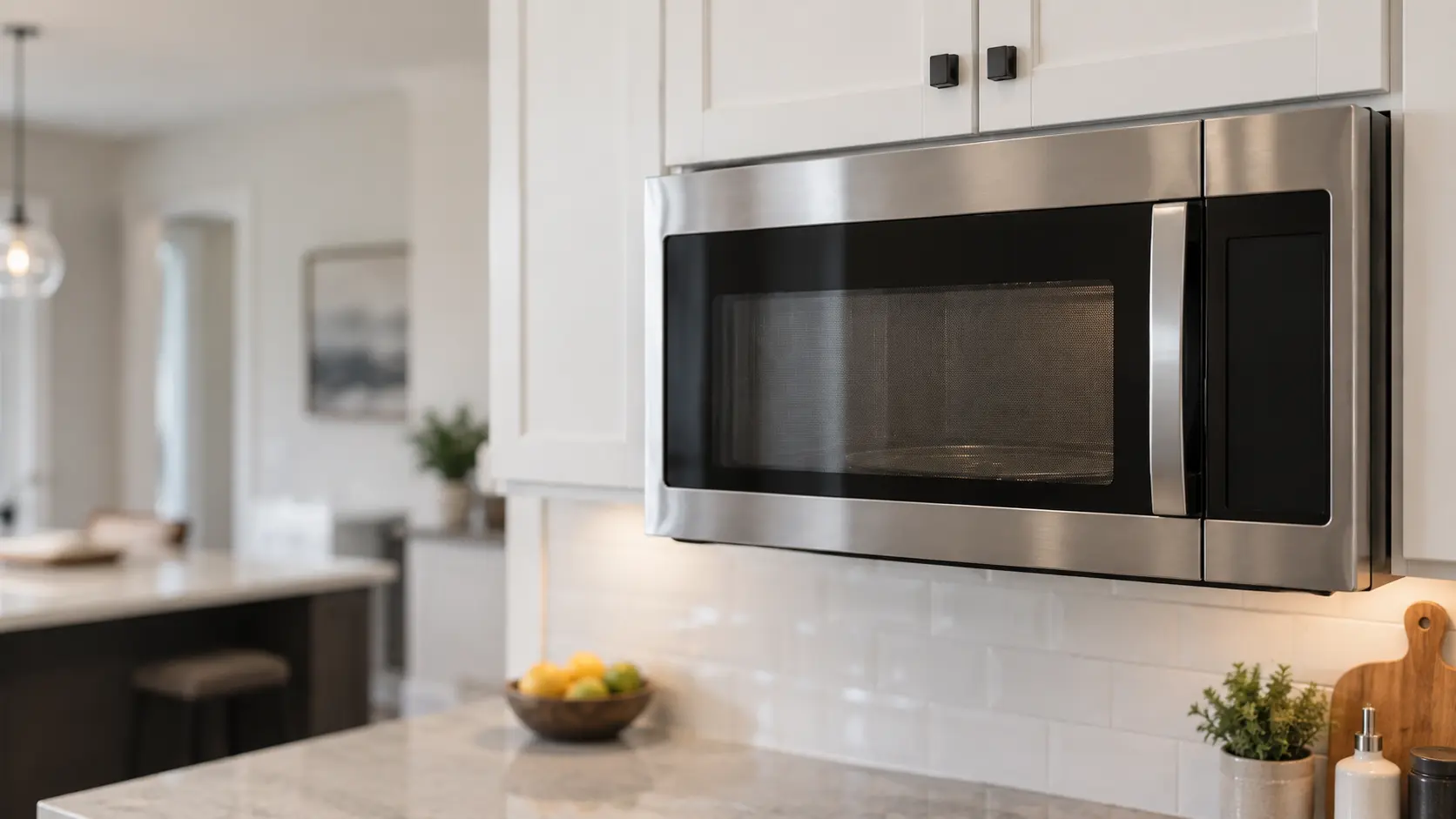
Pots boiling below without the vent fan running send steam straight up the front of the microwave. Over time it gets under the membrane and keys begin to stick or fire on their own.
-
06 moderate to highest
Control board failure
When a new keypad does not help and the ribbon is sound, the board that reads the keys is next.
What else
it could be.
Most often confused with microwave display dark, dim or scrambled, then microwave won't turn on at all.
All problems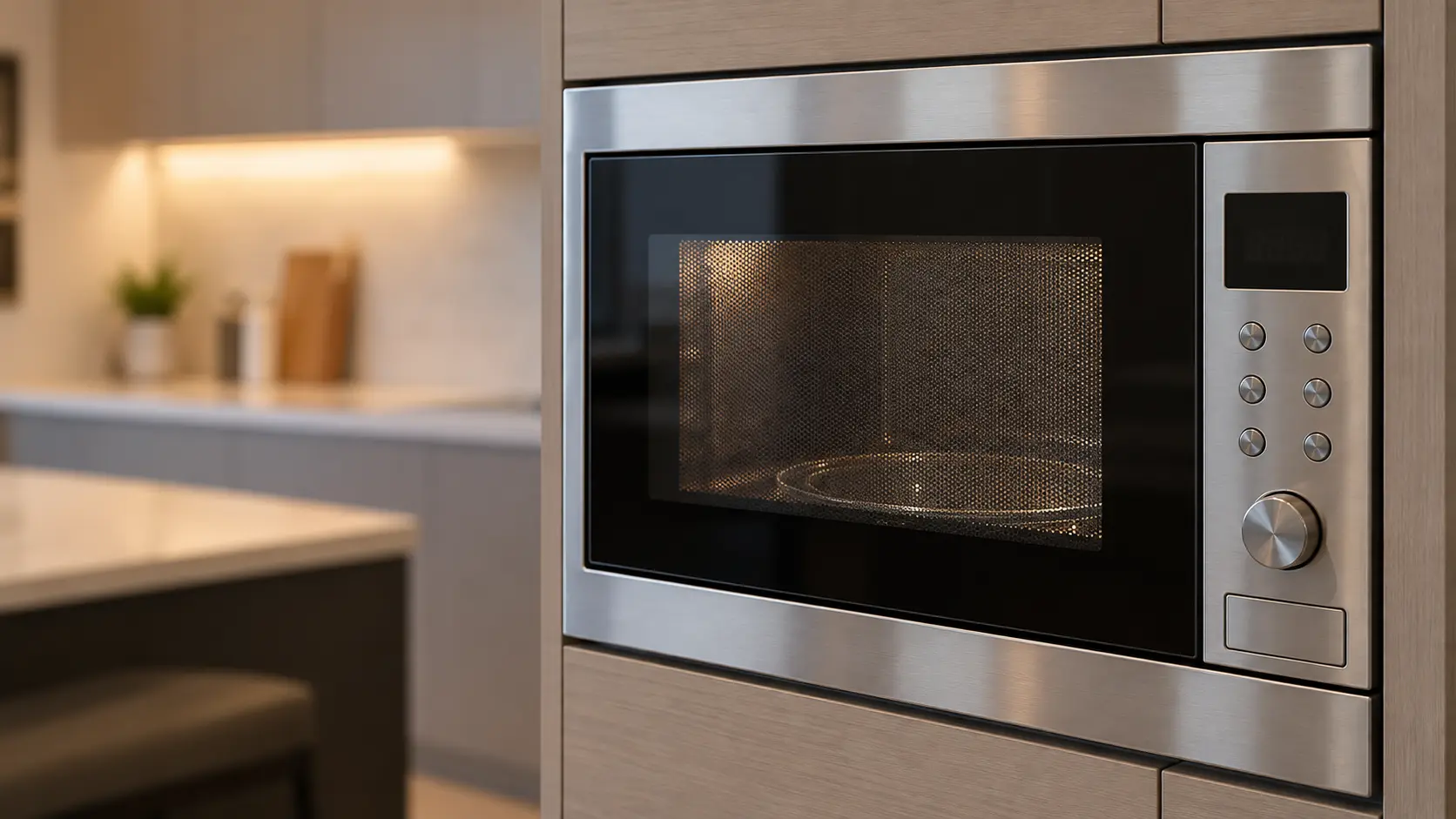
The makes
it happens on.
18 makes on this site; microwave touchpad ignores key presses can show up on any of them. Each mark opens that make's own page.
All 18 brandsMicrowave Touchpad Ignores Key Presses,
where we come out.
9 metros, each with its own page.
All service areasTampa BayFL · 31 areas
Miami / South FloridaFL · 47 areas
New York MetroNY · 75 areas
HoustonTX · 36 areas
ChicagoIL · 50 areas
Los AngelesCA · 95 areas
San DiegoCA · 31 areas

Questions about
microwave touchpad ignores key presses.
Can a single microwave key be replaced?
Why do some keys work and others do not?
My microwave beeps by itself at odd times. Is that the keypad?
Does steam from the pans below harm the keypad?
Back to your everyday
Still seeing microwave touchpad ignores key presses?
Book with what you checked above — 5 answers save the technician the first part of the visit.