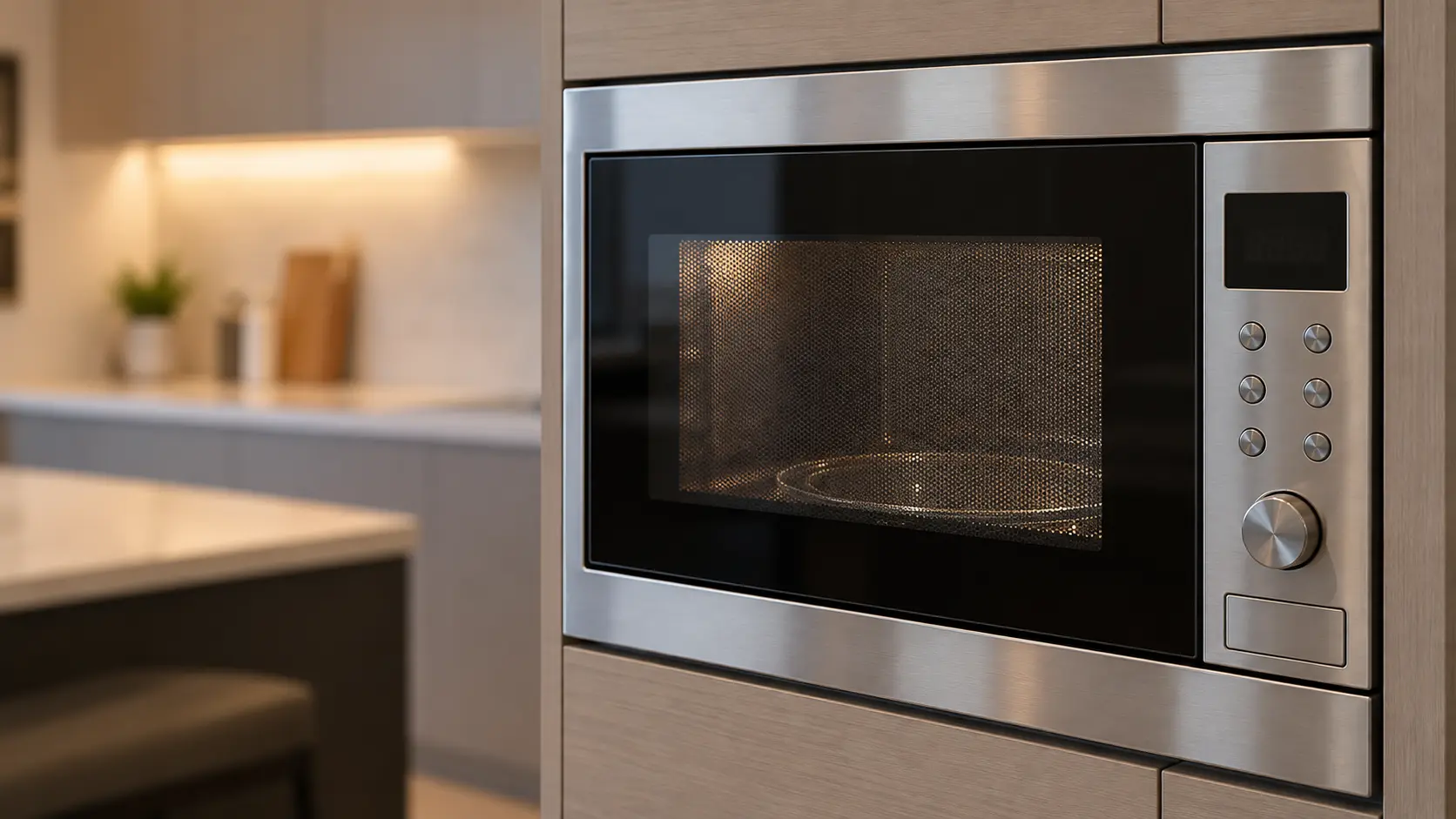


Microwave
Display Dark, Dim or Scrambled
A microwave display not working may be fully dark while the unit still heats, dim and hard to read, missing segments so an 8 looks like a 6, flashing the time after every outage, or scrolling a word no one asked for.
Mon–Sat, 8am–8pm
- 5 checks before you book
- 5 questions that narrow it
- 6 causes, cheapest first
Book a visit
Three short steps, about a minute.
or call (844) 393-5858
Loading appointment form…
The appointment form couldn’t load. Please try again.
What it
usually means.
The display on a microwave is a vacuum fluorescent tube glowing blue-green, an LED readout, or an LCD with a backlight, and the control board drives each of them. A display that goes dark while everything else works has lost its own supply or driver on the board, or has simply aged; fluorescent displays grow dim over the years. Missing segments point to the display or its solder joints, which warm and cool with every cycle and crack in time. Several states look like trouble and are settings: an energy-saving or display-off option that blanks the clock while idle, a dimmer set low, a demo mode that scrolls text, and a flashing time that only wants setting after an outage. A hood combination's display sits right over the steam of the pots below, which shortens its life compared with a countertop model's.
 The 6 causes, cheapest first
Answer these first
Is the display fully dark, dim, missing parts of digits, or flashing?
With it dark, does the microwave still heat, turn and beep when keys are pressed?
Did it change after a power outage or a storm?
Does the manual for your model mention an energy-saving, display-off or dimmer option?
Does the display wake when the door opens or a key is pressed, then go dark again?
Check these
before you book.
Microwave display not working: 5 checks, and none of them costs anything.
Press any key or open the door to see whether the display wakes from an energy-saving mode.
Set the clock if it is flashing, and look in the manual for display-off, dimmer and demo settings.
Try a cup of water on a short timer to learn whether the unit works behind the dark display.
Also worth checking
- Switch the breaker off for a minute and back on to reset the board.
- Photograph the display, especially missing segments, and send the model number from the label inside the door frame.
How soon does it need a visit?
Not urgent. A microwave that heats normally behind a dark display can be used with care on a short timer while you wait, as long as it stops when the time runs out. If it keeps running past the time, switch it off at the breaker.
The causes,
cheapest first.
6 things microwave display dark, dim or scrambled turns out to be, from display-off or energy-saving setting to board power supply failing.
The cost guide-
01 no repair
Display-off or energy-saving setting
Many models can blank the clock while idle to save standby power, and wake it when the door opens or a key is pressed. It looks like a failure until the setting is found.
-
02 no repair
Clock flashing or demo text after an outage
A flashing time only asks to be set. A scrolling word on some models is a demo mode that came on while the panel was cleaned, and it also stops heating.
-
03 low to moderate
Steam damage on a hood combination
Years of steam from the pots below reach the display and the board behind it, and segments fade or flicker first on units over the busiest burners.
-
04 moderate
A fluorescent display worn dim
The blue-green glow fades slowly with age until the digits are hard to read in daylight. The display is replaced on its own or with the board, depending on the model.
-
05 moderate
Cracked solder joints and missing segments
The joints that hold the display to the board crack with heat cycles, and segments drop out or come and go when the door is closed hard.
-
06 moderate to highest
Board power supply failing
A dark display together with odd beeps or keys that act late points to the small supply on the board, which also feeds the relays.
What else
it could be.
Most often confused with microwave touchpad ignores key presses, then microwave won't turn on at all.
All problemsCodes that come with it
WELCOME PRESS CLEAR AND PRESS CLOCKBertazzoni · Power and supplyENJOY YOUR MICROWAVE TOUCH CLEARBosch · Power and supplyPFCafé · Power and supplyF–Café · Control board and touchpadC-F1Dacor · Control board and touchpadWELCOME PRESS CLEAR AND PRESS CLOCKDacor · Power and supply
Also related

The makes
it happens on.
18 makes on this site; microwave display dark, dim or scrambled can show up on any of them. Each mark opens that make's own page.
All 18 brandsMicrowave Display Dark, Dim or Scrambled,
where we come out.
9 metros, each with its own page.
All service areasTampa BayFL · 31 areas
Miami / South FloridaFL · 47 areas
New York MetroNY · 75 areas
HoustonTX · 36 areas
ChicagoIL · 50 areas
Los AngelesCA · 95 areas
San DiegoCA · 31 areas

Questions about
microwave display dark, dim or scrambled.
Why does my microwave clock go blank when I am not using it?
Can a dim display be made brighter?
The display scrolls a word and the microwave will not heat. What is going on?
Is a display repair worth it on a built-in or a drawer?
Back to your everyday
Still seeing microwave display dark, dim or scrambled?
Book with what you checked above — 5 answers save the technician the first part of the visit.