


Viking ERROR: the sensor setting found no steam, or an entry was out of bounds
Viking's microwaves time their sensor settings by the vapor food gives off.
Mon–Sat, 8am–8pm
- Sensors and temperature
- Microwave control board and touchpad repair
- Source: Viking
Book a visit
Three short steps, about a minute.
or call (844) 393-5858
Loading appointment form…
The appointment form couldn’t load. Please try again.
What ERROR
actually means.
Viking's microwaves time their sensor settings by the vapor food gives off. If that vapor is not detected properly, the display shows ERROR and heating stops. The same word also appears when a clock time or a weight is entered outside the allowed range, so what you were doing when it appeared tells you which case you have.
Viking microwave display
What to do when ERROR shows on the microwaveKind of codeSensors and temperature
The control has stopped trusting what one of its sensors reports: the cook or humidity sensor that ends a sensor reheat when steam rises, or a thermal cutout that trips when the cavity or the magnetron runs too hot. A cutout that opens stops the microwave mid-cycle and often recovers once it cools; one that keeps tripping, or a sensor program that shuts off at once every time, needs the sensor, its wiring or the airflow behind it checked.
Usually leads toMicrowave control board and touchpad repair
Tracing a dead display, keys that do not answer or a code that keeps returning to the keypad, the ribbon, the relays or the main board, and replacing only the part that failed.
Shows up asWhat a Microwave Error Code Is Telling You
A microwave error code may be a letter and a number on the display, a lock or demo word, a row of dashes, or a beep with a blinking clock, and it can show while the microwave still heats or block every key until it is cleared.
MakeViking
Viking microwaves repaired in your home, beginning with a short run on high power and a look through the door window.
SourceViking RVM320 3 Series 30-inch microwave use and care manual
Printed in the Viking RVM320 and RVMH330 3 Series, VMOS501, VMOC506, VMOD5240 drawer and VMDD5306 drop-down door manuals. The VMODC5240 drawer adds longer messages such as ERROR 2 HOUR MAX TIME TOUCH CLEAR.
Before you book,
in this order.
Each step comes from Viking's own guidance for ERROR on its microwaves. Follow it to the end: the last card says whether this is a visit.
Touch STOP/Clear to clear the display.
If you were entering the clock or a weight, enter it again within the range the manual gives.
If it happened during a sensor setting, finish the food with a timed cook, and next time leave the door or drawer shut during the first sensing stage.
If ERROR shows on sensor settings with ordinary covered food every time, book a visit to test the humidity sensor.
Still there?
It usually turns into microwave control board and touchpad repair. Book with the code and the model number.
What not to do
ERROR on its own is not a sign the magnetron has stopped; Viking also uses it for simple entry mistakes. When popcorn is on a sensor setting and vapor is missed, Viking's manuals say the unit returns to the time of day instead of showing ERROR.
What you may
notice with it.
The microwave problems ERROR tends to arrive with. Answer these at the microwave before anyone is booked.
All problems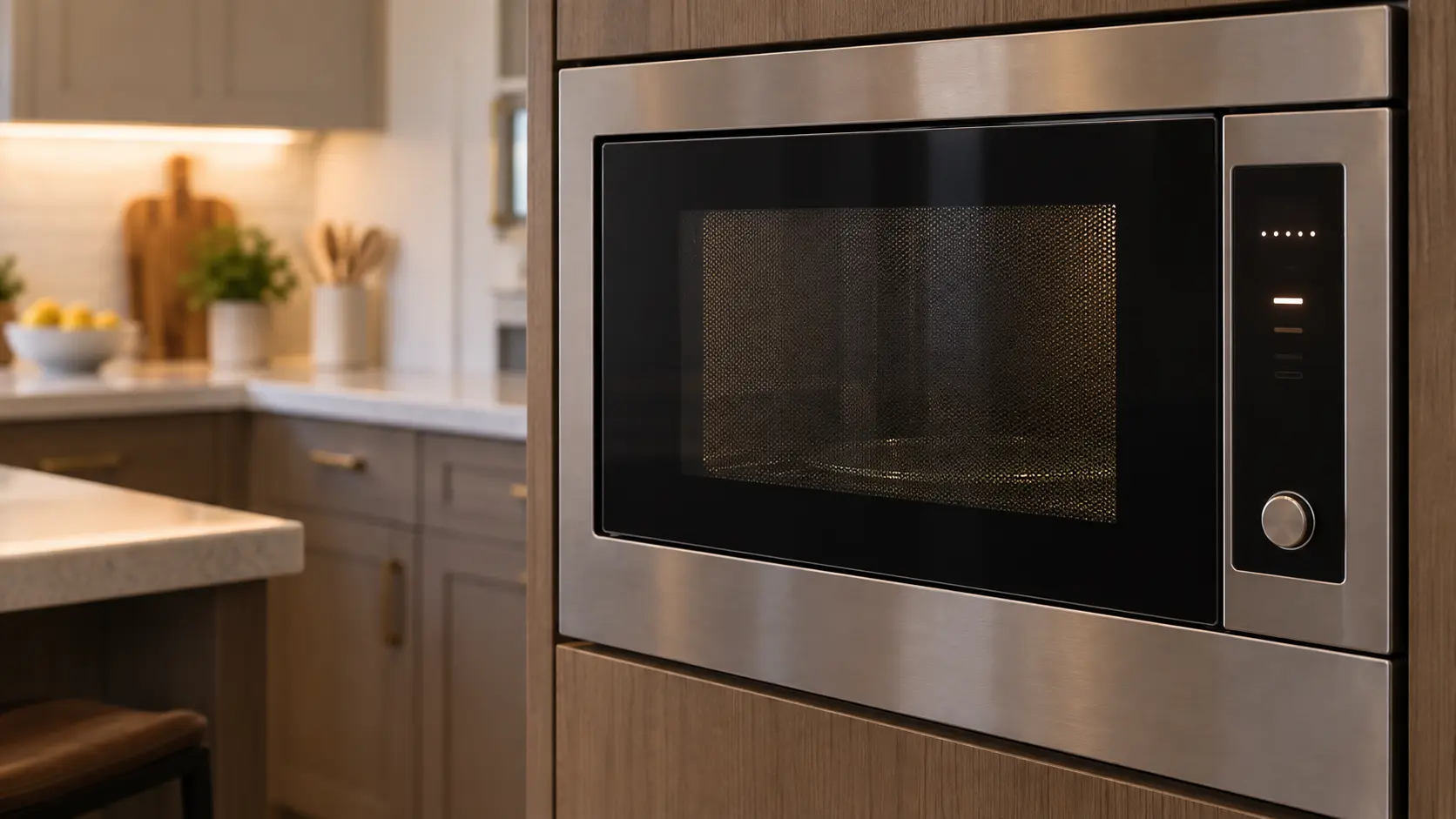
Where ERROR usually leads
Microwave control board and touchpad repair.
Viking
microwaves.
Viking microwaves repaired in your home, beginning with a short run on high power and a look through the door window.
Viking microwave repairMore Viking codes
Sensors and temperature on other makes

Microwave hood combination
The microwave that hangs from the wall cabinets above the burners, heating food in its cavity while its own fan, light and filters handle the steam and grease rising from the pans beneath it.

Built-in microwave
A microwave set into a tall cabinet or a wall of cabinetry at eye level, either a countertop body wrapped in a trim kit or a true built-in model, including speed and convection microwaves that brown as well as heat.
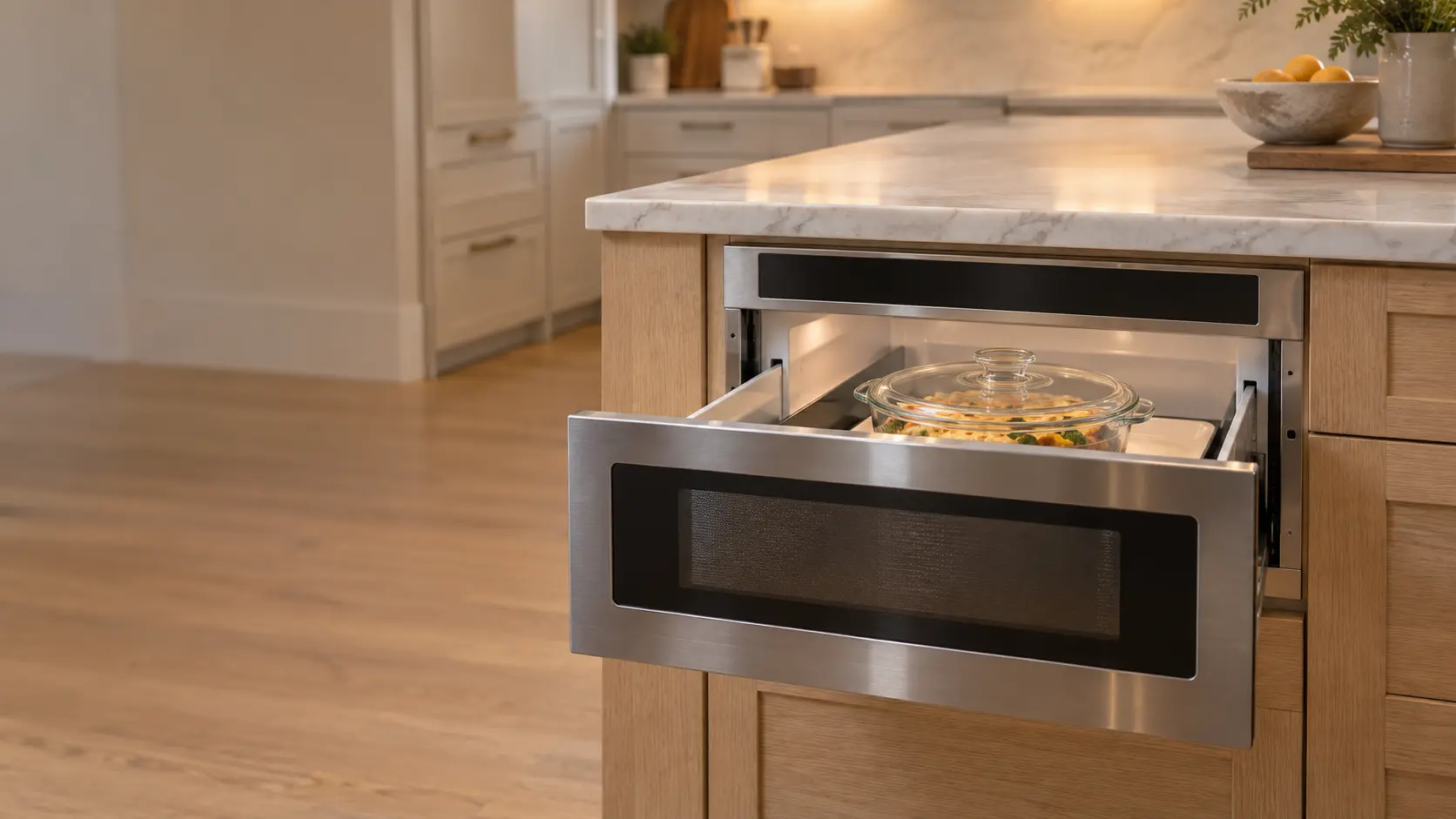
Microwave drawer
A microwave built under a counter or into a kitchen island that opens like a drawer at the touch of a key, with a motor and gears sliding its cavity out toward you.
In Viking's own words
If the sensor does not detect vapor properly when cooking other foods, ERROR will be displayed, and the microwave will turn off.
Every code on this site is taken from the manufacturer's documentation, never from a forum or a parts listing. Printed in the Viking RVM320 and RVMH330 3 Series, VMOS501, VMOC506, VMOD5240 drawer and VMDD5306 drop-down door manuals. The VMODC5240 drawer adds longer messages such as ERROR 2 HOUR MAX TIME TOUCH CLEAR.
Viking ERROR microwave repair,
where we come out.
The same visit in every metro below: the code, the model number, and a diagnosis before any part is ordered.
All service areasTampa BayFL · 31 areas
Miami / South FloridaFL · 47 areas
New York MetroNY · 75 areas
HoustonTX · 36 areas
ChicagoIL · 50 areas
Los AngelesCA · 95 areas
San DiegoCA · 31 areas

Questions
about ERROR.
Can I clear ERROR myself?
Why does my Viking microwave show ERROR halfway through a sensor reheat?
My Viking DrawerMicro says ERROR when I set the clock. What did I do wrong?
When is ERROR on a Viking microwave worth a service visit?
Back to your everyday
Still showing ERROR?
Three details make the booking useful: the characters or beeps just as they appeared, every character of the model number, and whether a cup of water still warms up. With those, the technician arrives already halfway to the answer.