
Why does the microwave fan turn on by itself?
On most hood combination models the fan is wired to a heat sensor, so it starts whenever that sensor warms up, whether or not you pressed anything. The sensor is a small thermostat, a metal disc or capsule that closes a switch at a set temperature, and it protects the electronics from the heat that rises from the cooking surface below. The owner's manual for many models describes this as an automatic cooling feature, and says the fan cannot be turned off while it is active.
That explains the pattern people notice. You boil a large pot, the fan starts a few minutes later, and it keeps going after the burner is off. Nothing is wrong. The unit is shedding heat that it picked up through its bottom panel and through the hot air that rises past its front.
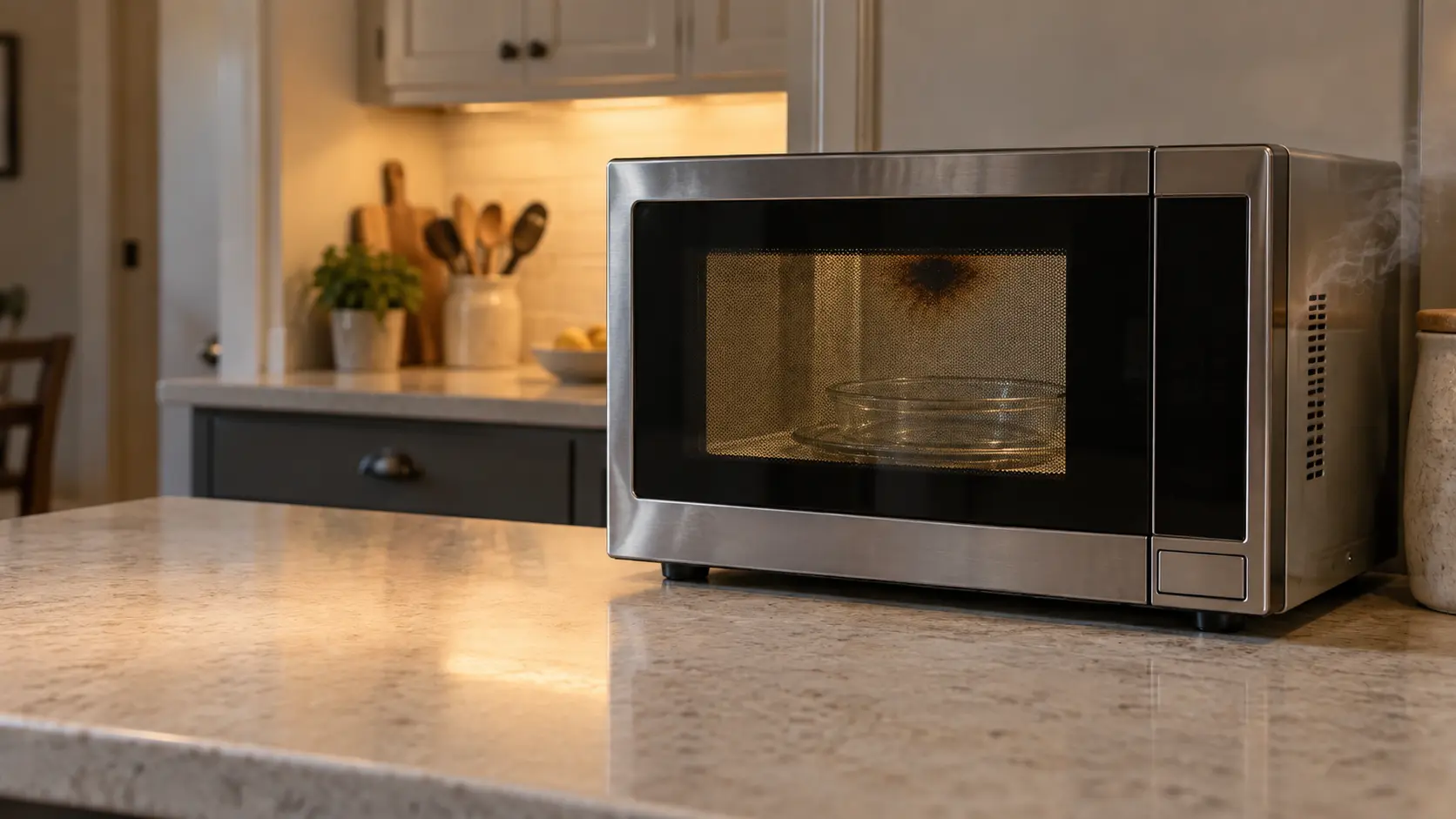
A countertop or built-in microwave has no cooking surface under it, so its cooling fan is tied to the oven's own heating instead. That fan can also keep running for a short while after a cycle ends.
What heat sets the fan off?
Three sources can raise the temperature at the thermostat, and knowing which one applies is the quickest way to judge whether the behavior is normal.
Heat from the cooking surface below
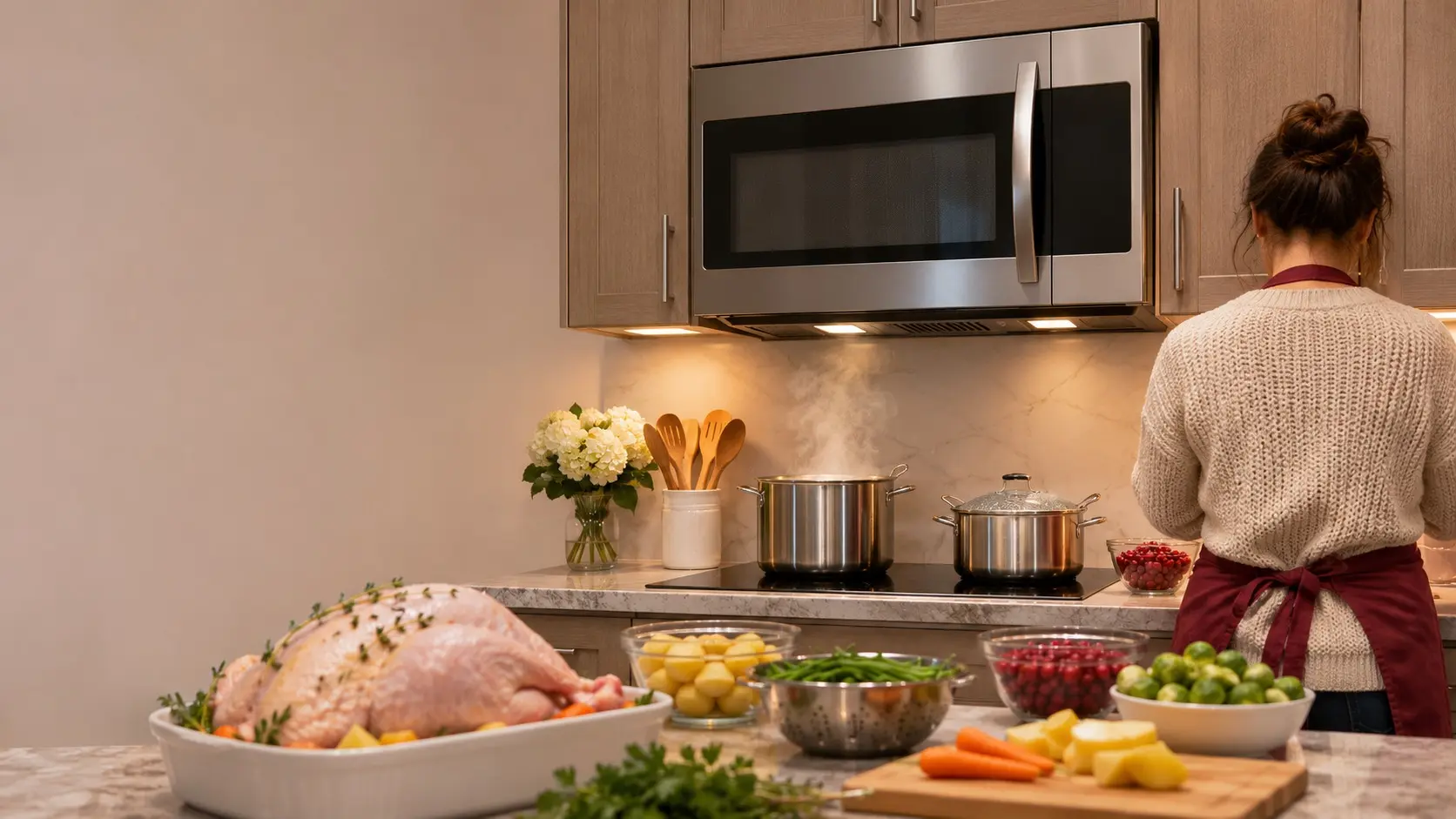
Tall pots on a rear burner, a griddle, a roasting pan under a lid and a self-cleaning oven below all push hot air up into the underside of the microwave. A large Thanksgiving meal, with every burner in use and the oven on for hours, is the classic case. Heat vents from a wall oven, too, if the microwave sits above one.
Heat from the microwave itself
After a long cooking cycle, the cavity, magnetron and transformer are warm. The thermostat may start the fan to cool them, even though the cooking surface is cold. A fan that starts a minute or two after a long reheat is following its design.
Steam and a warm kitchen
A very warm kitchen, or steam from a pot of pasta, may be enough on some models. A blocked grease filter makes it worse, because heat then has nowhere to go. The guide to cleaning the grease and charcoal filters shows how to check yours.

How long should the fan run afterward?
The fan should run until the thermostat cools and opens again. There is no single figure for that: it depends on the model and on how much heat the unit soaked up, so a short sauté may mean a brief run and a full holiday day of cooking a long one. What matters is the pattern: the fan should wind down once the burners, the oven and the underside of the unit are cool, and it should not start again with everything cold.
| What the fan does | What it may mean |
|---|---|
| Starts while burners are on, stops some time after they are off | Normal heat sensing |
| Starts after a long microwave cycle, stops soon after | Normal cooling of the cavity |
| Keeps running long after every burner and the oven are off and the area is cool | Thermostat stuck closed, or a hot area you have not found |
| Starts soon after power is restored to a cold unit | Thermostat or control problem |
| Never starts, even on a long cooking day with the underside warm | Thermostat, fan motor or control problem |
| Runs at one speed and the fan key does nothing | Stuck keypad or a control board problem |
How to check before calling anyone
Work through the cheap checks in order. None needs a tool, and none involves opening the unit.
- Turn every burner off and let the area cool for 30 minutes. Put the back of your hand near the underside of the microwave. If the air coming off it is warm, the fan has a reason to run.
- Look for a hot spot you missed. A warming drawer, a dishwasher venting steam, an oven vent that is hot at the back, or a pan left on a burner will all keep the thermostat closed.
- Press the fan key. Pressing it should change the speed or switch the fan off when nothing is hot. If it does nothing, look at the touchpad section below.
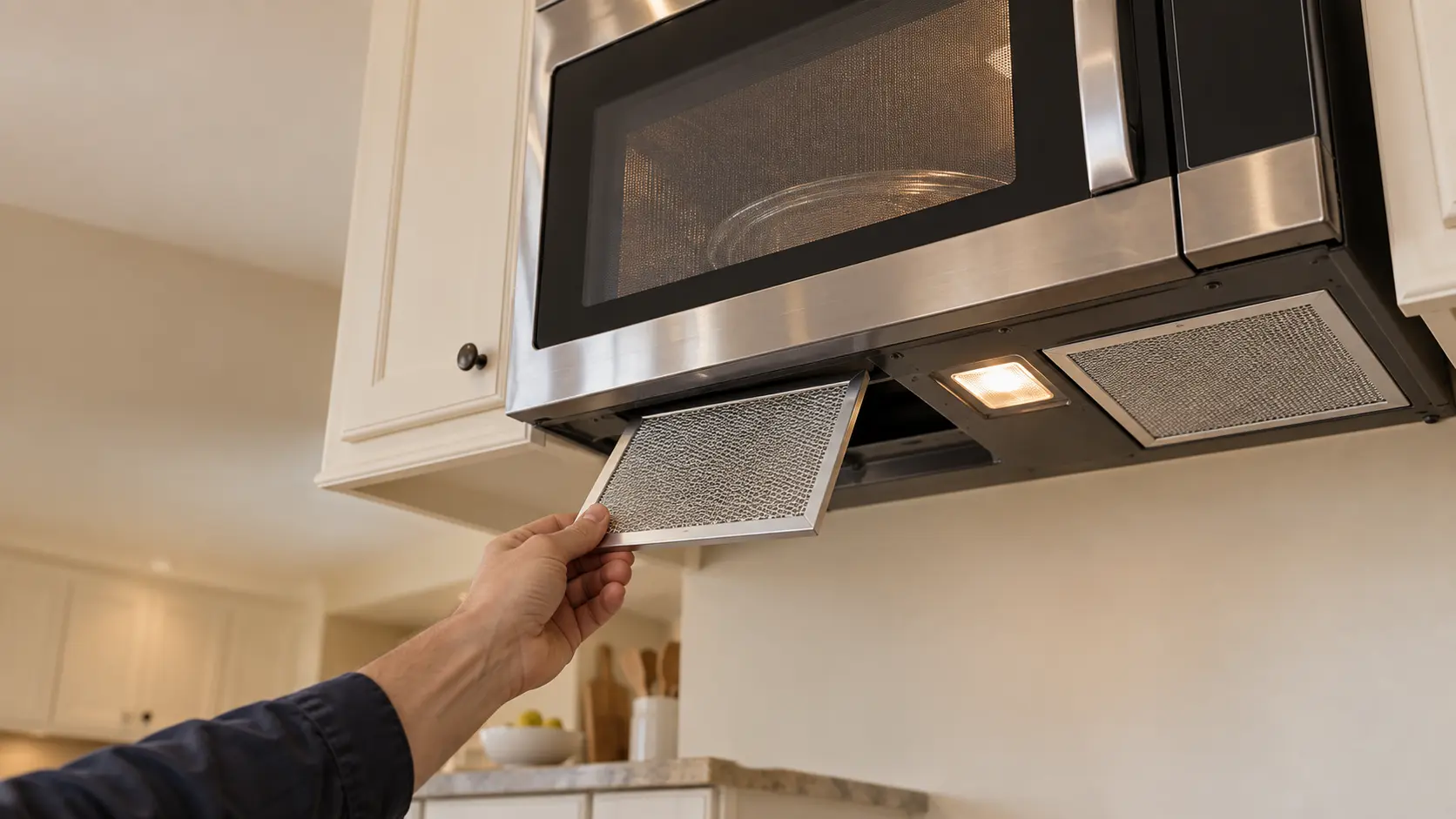
- Wipe the grease filters and the vent grille. Pull the metal filters straight out and wash them. Reinstall them and watch the next cycle.
- Cut power at the breaker for a minute, then restore it. This resets the electronics, and it is the safe way to quiet a fan that will not stop. Do not unplug by reaching into a cabinet over the unit if the outlet is hard to reach.
Is it the touchpad rather than the sensor?
A key that is stuck down, or a control that has taken in moisture, can tell the fan to run constantly. If the display flickers, beeps by itself or other keys misbehave, the cause is probably the control board or touchpad rather than the thermostat. That is a repair covered by control board and touchpad repair. A touchpad that is not responding often shows other signs first.
When is the fan or its sensor failing?
A heat sensor can fail in two directions, and each looks different from the outside. If it is stuck closed, the fan can run with everything cold and may start again soon after power is restored. If it is stuck open, the automatic start never happens, which is the more serious case: the unit is left to heat up, and the first sign may be a burning smell, a display that shuts off, or a microwave that stops mid-cycle. The same signs can also come from the fan motor or the control, which is why the cause is confirmed by a technician.
You can watch for the second case during ordinary cooking, without setting up anything special. The next time you have a large pot boiling under the microwave, stay at the cooking surface and notice whether the fan ever starts on its own while the underside of the unit gets warm. If it does not, turn that burner off, use the fan key to run the fan if it responds, and cook on the front burners or elsewhere until the fan and sensor have been checked. Never leave a pot boiling under the unit just to see what happens. See the vent fan not working page for the related symptoms, and microwave vent fan and filter repair for what the visit covers.
A fan that is noisy, slow or rattling points to the motor or blade rather than the sensor.
Can you stop the fan from coming on?
You cannot, and you should not try. The thermostat is a safety feature, and the owner's manual for many models says the fan will run while the unit is hot, even if you turn the controls off. Taping a key, bypassing the sensor or unplugging the fan would let the electronics cook above their rated temperature.
What you can do is reduce the heat that reaches it:
- Use the rear burners less when the microwave is running, and use the front ones for tall pots.
- Put a lid on pots so less steam and hot air rise past the front of the unit.
- Keep the grease filters clean so air moves through freely.
- Check that the unit's venting is set the way the installer intended. The venting outside or recirculating guide explains the two modes.