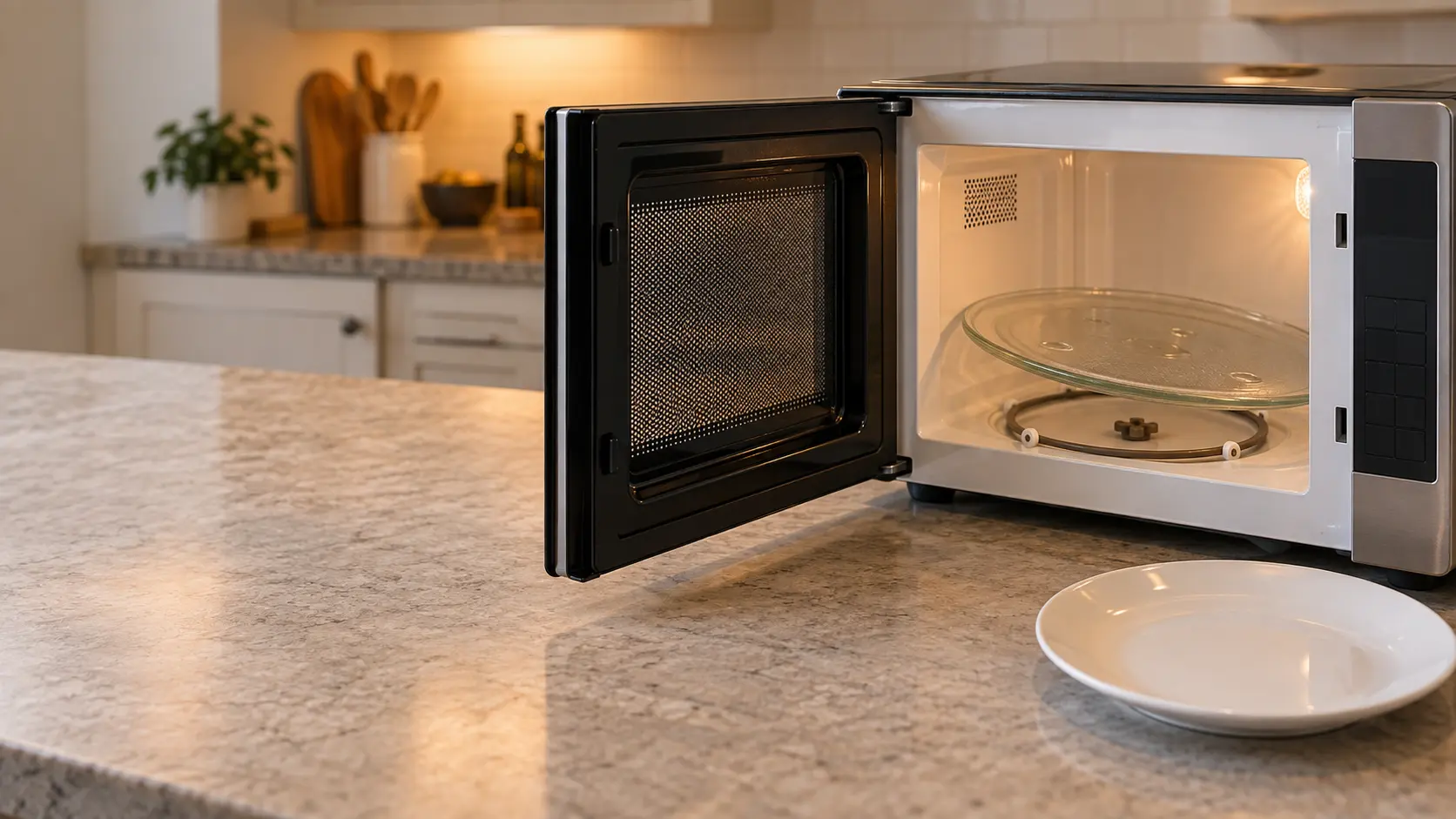
First, check whether this microwave turns at all
Not every microwave has a turntable. Drawer models heat food in a fixed tray that slides out with the drawer; Sharp's drawer manual, for one, has no turntable anywhere in its setup or cleaning pages. Several built-in convection and speed models cook on a flat floor or on racks, and a still floor on those is how they are meant to work.
Hood combinations and countertop models almost always turn, and a few hood combinations let you stop the tray on purpose for a dish too large to rotate. If yours has a Turntable or Turntable On/Off pad, keep reading; the answer may be one press away.
Source: Sharp — Microwave Drawer SMD2470AS / SMD3070AS operation manual — The drawer's setup, cooking and cleaning instructions include no turntable
Seat the tray, the ring and the coupler
Lift the glass tray out and look at what sits beneath it. There are usually two pieces: a round roller ring with three or more small wheels, and a plastic coupler, a short star- or cross-shaped piece that fits over a shaft sticking up through the middle of the floor. The tray's underside has a molded pattern that locks onto that coupler.
The coupler on the shaft
GE's guidance is to make sure the tray is centered and fastened to the shaft on models that drive it that way. A coupler that has been knocked off its shaft, or one with a cracked or rounded-off socket, turns without gripping the tray. Press it down onto the shaft until it seats, and turn it by hand: it should drive the shaft with a little resistance, not spin freely.
The roller ring and its wheels
On models that roll on a ring, the tray must rest securely on those wheels. Spin each wheel with a finger. A wheel glued in place by old sugar or grease drags the whole tray, and a ring sitting off-center lets one side of the tray scrape the floor.
Right side up
A tray flipped upside down after washing is surprisingly common. GE notes it will drag on the floor that way. The side with the raised center pattern or ridges goes down onto the coupler; the smoother, flatter side faces up for the food.

Crumbs, spills and a dish that is too big
The track under the ring collects everything that ever boiled over. GE advises checking for food or debris under the wheels, since a crust in the path stops them from rolling. Wash the ring and the coupler in warm soapy water, wipe the floor and the track with a damp cloth, and dry everything before putting it back.
Then look at what you are heating. A rectangular casserole that touches the cavity walls when it turns will stall the tray at the same point every time, and the motor simply stops against it. Heavy loads matter too: a large dish of water or a dense roast can be more than a small drive motor is happy to rotate.
- Tray turns empty but stops with food: check the dish clears the walls when spun by hand.
- Tray turns a little then jerks: clean the ring and the track.
- Tray wobbles and clatters: the ring is off-center or a wheel is broken.
Source: GE Appliances — Microwave: turntable does not turn — Center the tray and fasten it to the stirrer shaft; seat it securely on the roller ring; an upside-down tray drags on the floor; food under the wheels stops them; use a cook function, not the timer; re-engage a turntable switched off with the on/off pad
A turntable switched off, or a timer running
On models with a turntable on/off feature, GE says to make sure it was not turned off by accident and to press the pad again to re-engage it. The setting often stays in memory, so a tray switched off for one large platter stays off for the next cup of coffee.
Also confirm that a cook function was pressed rather than a kitchen timer. A timer counts down without cooking, and on many models without turning the tray, so a still turntable and cold food together usually mean a timer, not a motor.
- Look for a Turntable or Turntable On/Off pad and press it once.
- Start a real cook time, not the kitchen timer.
- Watch the tray for ten seconds before deciding it has not moved.
Source: GE Appliances — Microwave: turntable does not turn — Center the tray and fasten it to the stirrer shaft; seat it securely on the roller ring; an upside-down tray drags on the floor; food under the wheels stops them; use a cook function, not the timer; re-engage a turntable switched off with the on/off pad
When the motor under the floor has quit
If the tray is seated, clean, right side up and switched on, and the coupler does not move at all during a cook cycle, the small drive motor below the cavity floor has probably stopped, or its connection has. On a countertop model it sits under the base; on a hood combination it is reached from the underside, above the cooking surface, and the unit may have to come down.
That is a technician's job for a reason beyond awkward access: reaching the motor means opening the outer cabinet, and the high-voltage capacitor in there can hold a dangerous charge even when the microwave is unplugged. A motor is a modest repair on its own, and a visit also catches a door switch or a cracked tray support at the same time.
Keep using the microwave with care in the meantime. Food heats less evenly with no rotation, so stir or turn the dish by hand halfway through, and give it a minute's standing time before you check the center.
Source: GE Appliances — Microwave: runs but does not heat — An internal high-voltage capacitor can hold a charge even after the microwave is unplugged