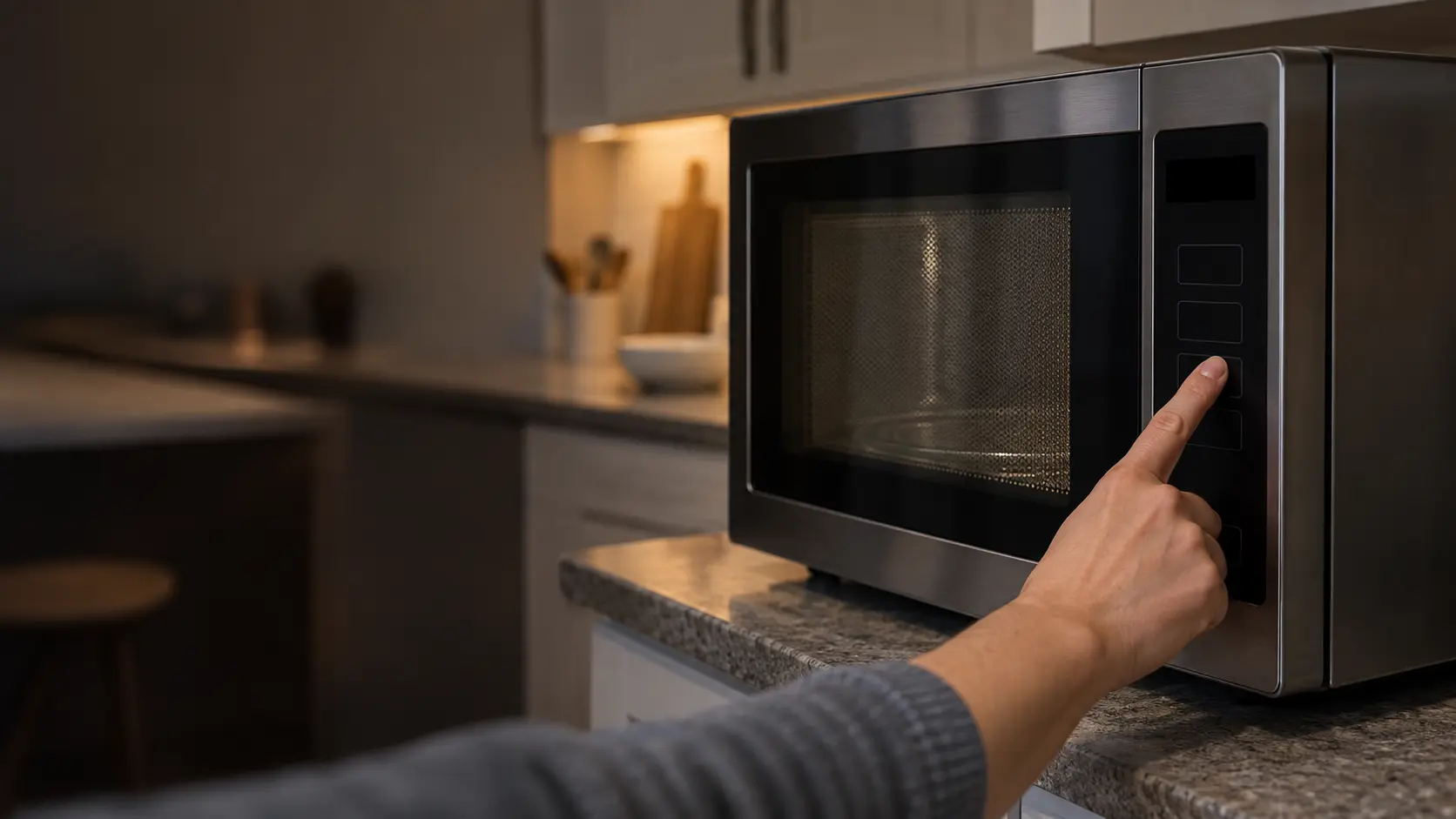

A blinking microwave display after the power comes back
When the electricity to the house drops out and returns, most microwaves announce it. GE says its models show PF, 888 or 8888, depending on the model, after a power failure, after first installation, or after the cord has been unplugged and plugged in again; touching Clear or Clear/Off cancels it, and then the clock can be set. Sharp's drawer shows a scrolling greeting asking you to touch Clear and set the clock.
Two side effects catch people out. A cook program running when the power dropped is erased, so the microwave will not simply resume. And on Sharp's drawer the control lock is canceled by a power interruption, so a lock that a family relied on to keep children out has to be set again.
Source: GE Appliances — Microwave: power failure (PF) code — PF, 888 or 8888 appears after a power failure, first installation or unplugging; touch Clear or Clear/Off, then reset the clock; Sharp — Microwave Drawer SMD2470AS / SMD3070AS operation manual — After a power interruption the display asks you to touch Clear and set the clock and any running program is erased; the control lock is canceled by a power interruption; holding Stop/Clear 3 seconds locks the panel and the door mechanism; demo mode is set with Help/Settings pressed five times, counts down quickly and does not heat; the backlight dims after inactivity
Keys that seem to do nothing
A touchpad that ignores every press is more often locked than broken. The lock exists to stop small children from starting the microwave or, on a drawer, from opening it; it is also handy during cleaning, which is exactly when it gets switched on and forgotten.
- LOCK or a padlock symbol showing: release the lock.
- Only some numbers respond: check whether they are express-cook keys.
- Nothing responds and nothing is shown: treat it as a power problem first.
The control lock
On Sharp's drawer, holding Stop/Clear for three seconds locks both the control panel and the motorized door mechanism, and the display reads LOCK ON; the same hold shows LOCK OFF. Other makers put the lock on a dedicated pad or a long press of Start or Cancel, often with a small padlock symbol lit while it is active. The owner's manual names the exact keys for yours.
Number pads that only work in a sequence
Many microwaves start cooking the moment you press a low number, which trains people to expect every number to do the same. GE explains that on its models 7, 8 and 9 are never express-cook keys; they are used to enter times, power levels and the clock. Pressing 8 and waiting is not a sign of a dead pad.
A program left half entered
A delayed start, a timer or a multi-stage recipe that was begun and never started can leave the control waiting for input that never comes. GE lists this as a reason a touch panel stops responding. Pressing Clear or Stop twice usually empties it; a thirty-second power reset at the breaker or plug clears anything more stubborn.

A countdown that races and food that stays cold
Showroom microwaves run in a demonstration mode so they can be pressed all day without cooking anything. Sharp's drawer shows DEMO ON while it is active, counts down quickly, and does not heat; it is switched on and off by pressing Help/Settings five times and confirming with Start. The same idea exists on many other makes under a different key sequence.
It usually arrives in one of two ways: the unit left the store with it on, or someone explored the settings menu. A countdown that finishes in a fraction of the time you entered is the quickest way to spot it.
Source: Sharp — Microwave Drawer SMD2470AS / SMD3070AS operation manual — After a power interruption the display asks you to touch Clear and set the clock and any running program is erased; the control lock is canceled by a power interruption; holding Stop/Clear 3 seconds locks the panel and the door mechanism; demo mode is set with Help/Settings pressed five times, counts down quickly and does not heat; the backlight dims after inactivity
Codes that ask for a technician
Some messages are not settings at all. GE, for example, says that if its control panel goes blank and shows an 18 power watch code, service is required because the electronic control has an issue, and it adds that on a microwave out of warranty the repair may not justify the expense. Other makers use letter-and-number codes for a stuck key, an overheated cavity, a sensor out of range or a door switch that disagrees with the latch.
Code meanings differ between makers, and sometimes between models of one maker, so a code read off another brand's chart can send you in the wrong direction. Our error-code pages are grouped by make and by kind of problem. Whatever the code, photograph it before you clear it; many controls wipe the message on the next key press.
- The exact characters, including dashes, dots and letters that look like numbers.
- Whether the code appeared at start-up, mid-cycle or at the end.
- Whether it came back after a thirty-second power reset.
Source: GE Appliances — 18 power watch code on microwave display — A blank panel showing 18 power watch code indicates an electronic control issue that needs service; out of warranty, repair may not justify the cost
A dark, dim or scrambled display
A display that is completely dark while the house has power usually means the microwave is not getting any, and the checks begin at the breaker. A display that has only dimmed may be resting: Sharp's drawer lowers its backlight after a period of inactivity and brightens again when a key is touched or the door moves. GE notes that lights can flicker when household voltage runs low.
Missing segments, random characters, a display that flickers with no voltage dip, or one that goes dark during cooking while the fan runs on point to the control board or its power supply. Those are service calls, and the capacitor inside the cabinet is one reason nobody should go looking behind the panel.
Source: Sharp — Microwave Drawer SMD2470AS / SMD3070AS operation manual — After a power interruption the display asks you to touch Clear and set the clock and any running program is erased; the control lock is canceled by a power interruption; holding Stop/Clear 3 seconds locks the panel and the door mechanism; demo mode is set with Help/Settings pressed five times, counts down quickly and does not heat; the backlight dims after inactivity; GE Appliances — Microwave: normal operational characteristics — Lights can flicker in low-voltage conditions