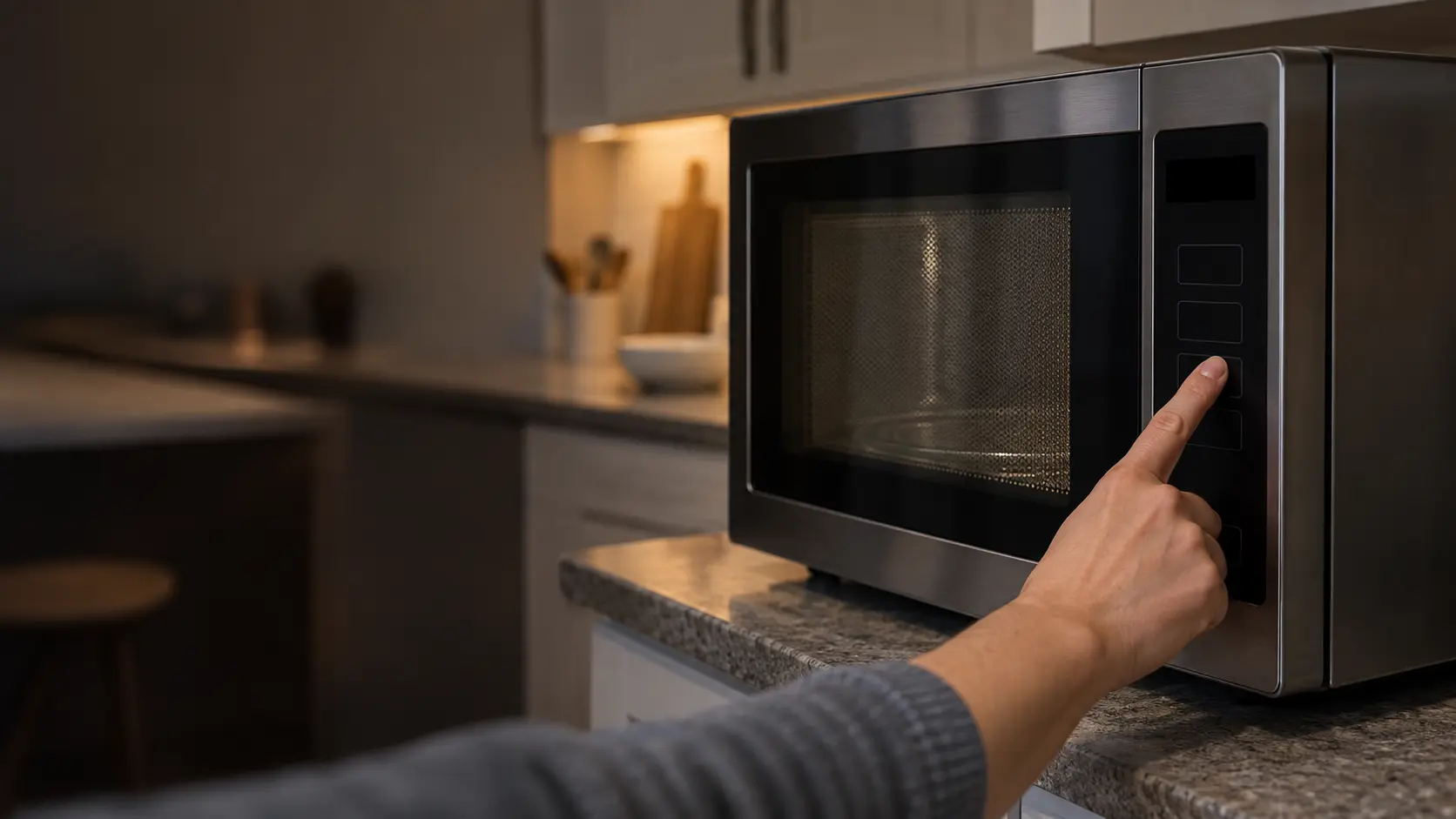

Start at the circuit panel and work toward the plug
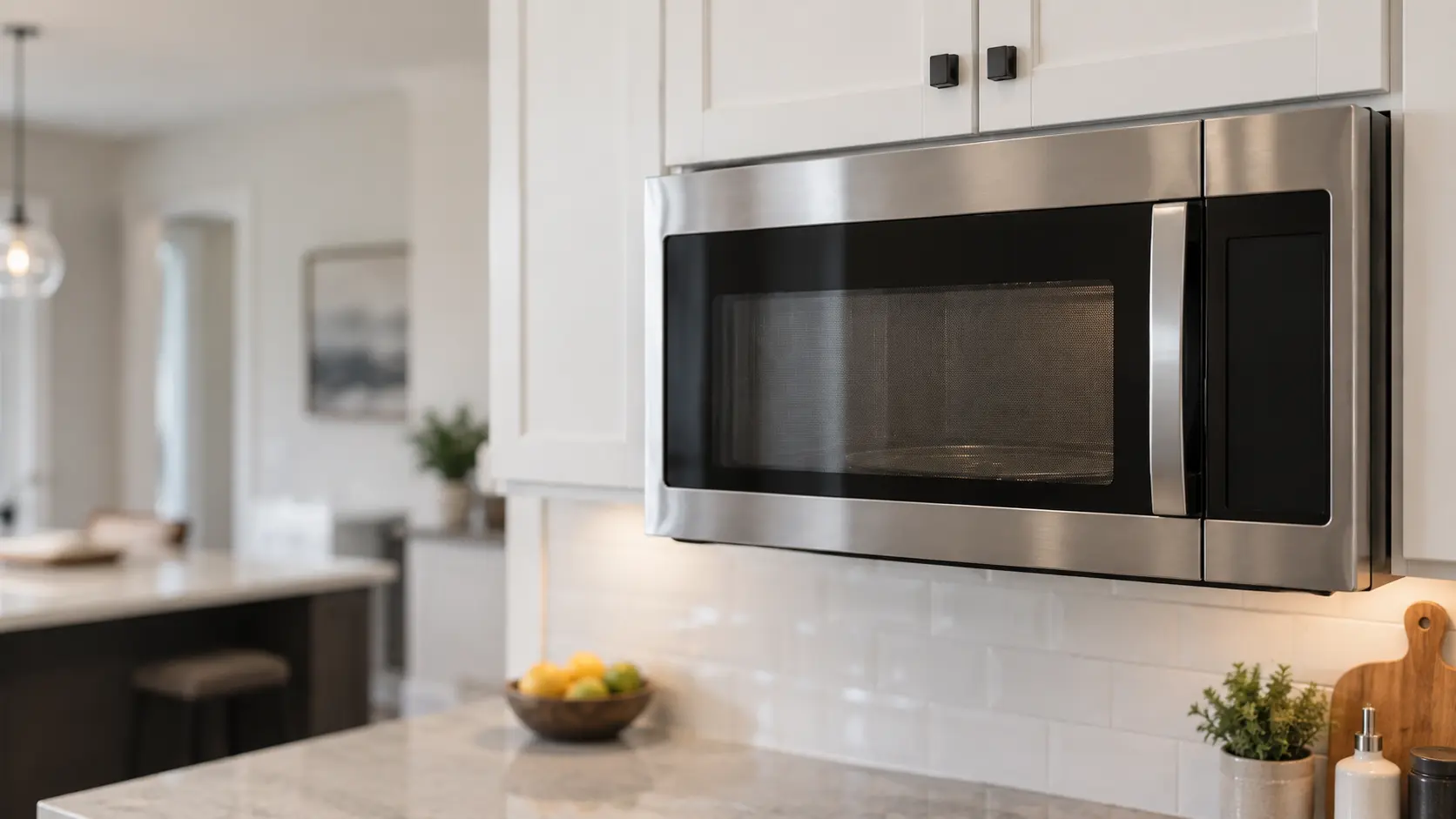
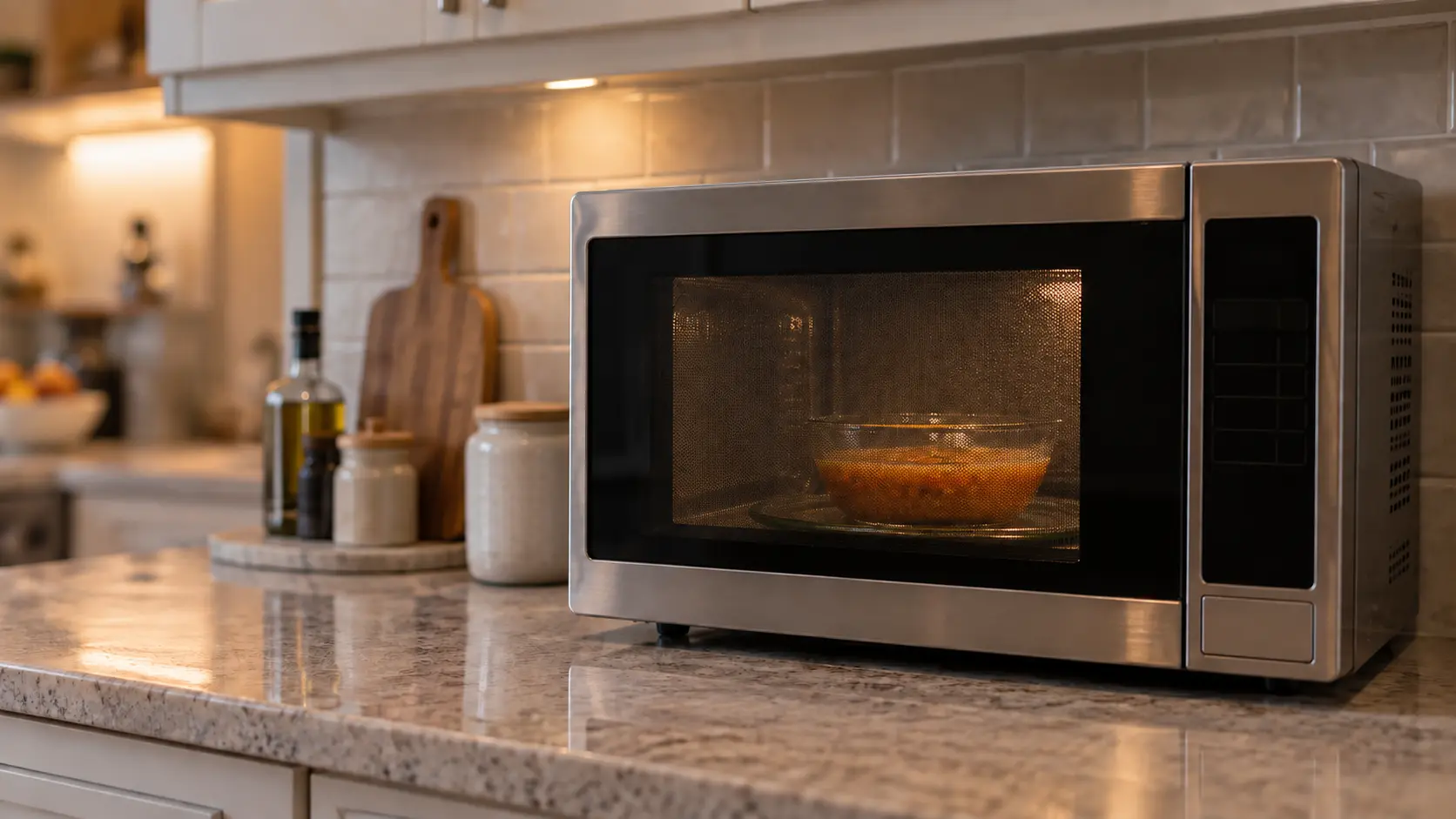
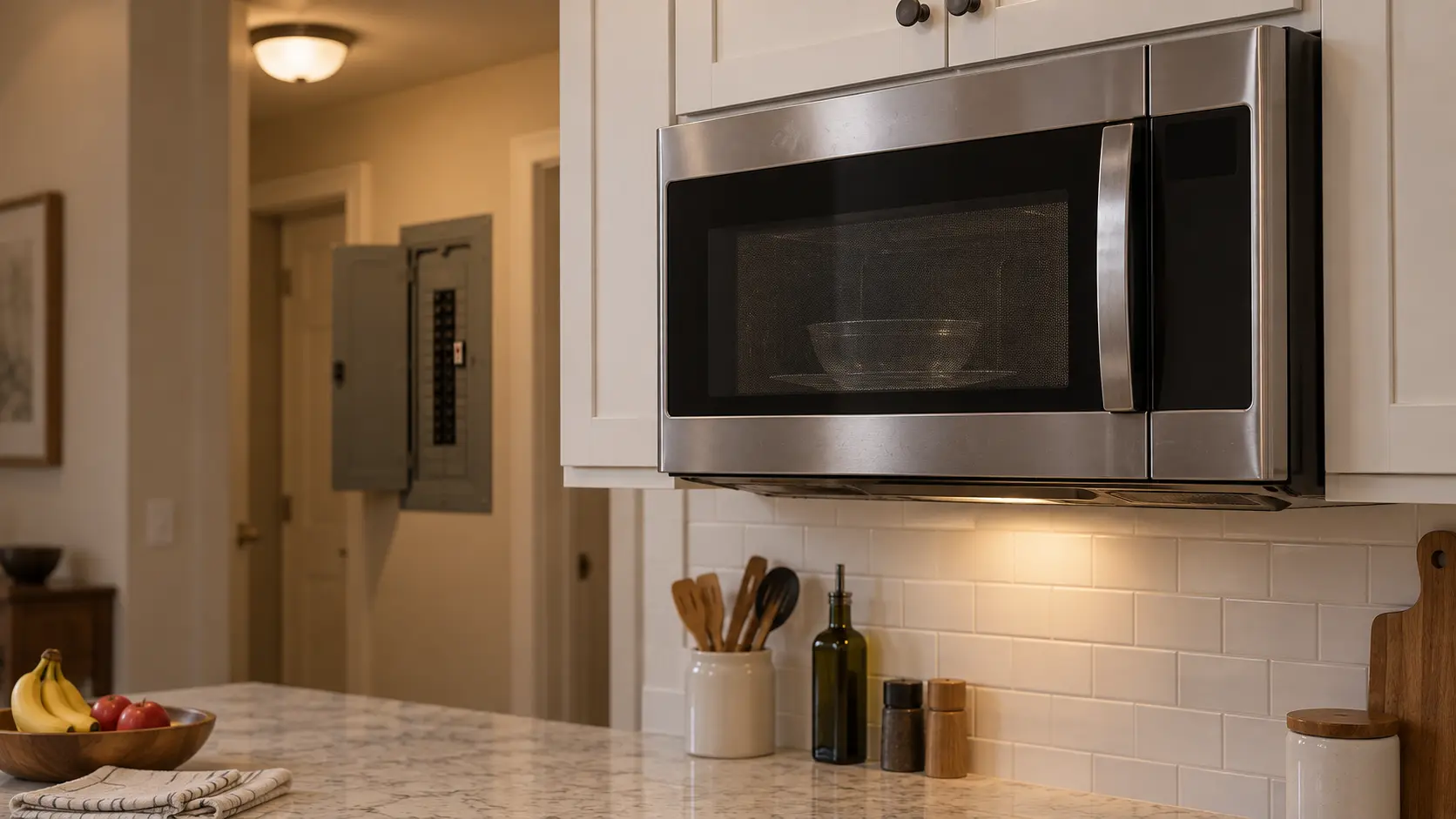
A microwave that shows nothing and answers no key is more often starved of power than broken. Where the plug is depends on the type: a hood combination is usually plugged into an outlet inside the cabinet above it, a built-in or a drawer is often wired so that only the breaker can switch it off, and a countertop model plugs into the backsplash.
The breaker or fuse
Sharp's service checklist starts here: reset a tripped breaker or replace a blown house fuse. A tripped handle rests partway, neither on nor off; snap it all the way to off first, then back to on. If it drops again as soon as the microwave starts, stop resetting it: a second trip points to a short or an overloaded circuit, and that is worth a visit.
The outlet itself
Where you can reach the outlet, GE suggests plugging in a lamp or night light to prove it is live. Check that the microwave's plug is pushed fully home, and that it goes into a grounded three-prong outlet with no extension cord or adapter in between.
A thirty-second reset
For a touchpad that ignores you, GE recommends unplugging the microwave or turning off its breaker for 30 seconds, then restoring power and entering the cook time again. It clears a control that has hung partway through a program, which happens more than you would think after a storm or a flicker.
Rule out a lock or a showroom mode
Controls carry settings that look like a breakdown to anyone who did not switch them on. A control lock makes every key seem dead; on Sharp's drawer it is set and released by holding Stop/Clear for three seconds, and the display reads LOCK ON while it is active. A demonstration mode lights the display and counts down without heating. GE also notes that some of its controls expect the clock to be set, and that a half-entered program such as a delayed start can leave the pad unresponsive.
Our guide to reading the display goes through each of these in more detail. The short version: press Clear or Stop twice, look for a lock symbol or the word LOCK, and try the three-second hold before assuming the touchpad has failed.
Source: GE Appliances — Microwave: touch control panel not operating correctly — Use a grounded three-prong outlet; make sure the clock is set; an unfinished program such as delay start can make the pad unresponsive; unplug or switch off the breaker for 30 seconds, then reprogram; a dead unit may mean a blown fuse or tripped breaker; Sharp — Microwave Drawer SMD2470AS / SMD3070AS operation manual — Before calling for service check the cord, the house fuse or breaker, and demo mode; control lock is set and released by holding Stop/Clear for 3 seconds; always have food in the unit when it is on; do not operate with a bent door, broken or loose hinges and latches, or damaged seals
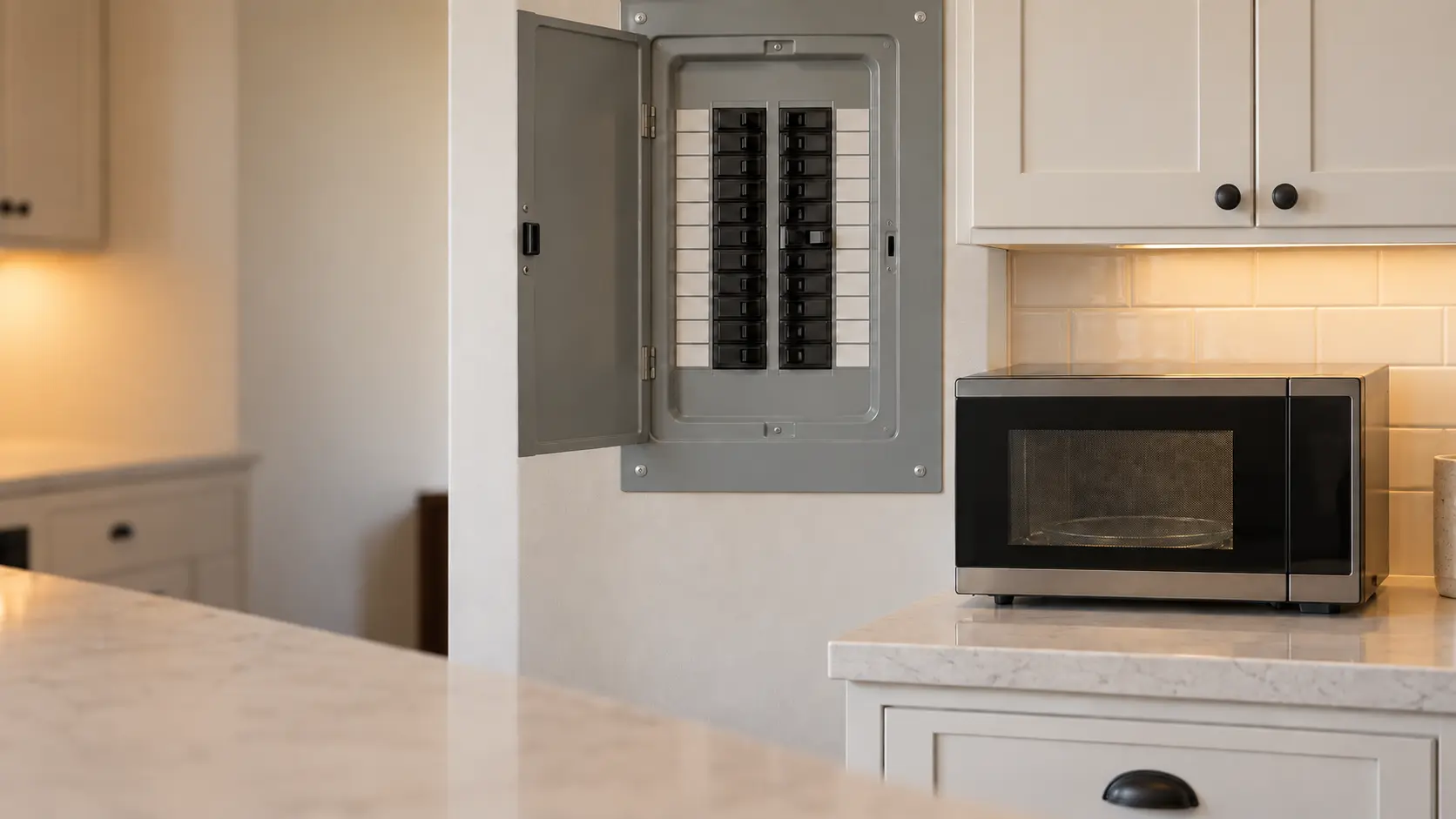
When it quits halfway through cooking
A microwave that shuts itself off during a long cycle may have protected itself from overheating. GE describes exactly this: long cooking times or blocked vents around the case can trip it, and if you then wait about 30 minutes, power may return on its own. If it does not, there is a real problem.
Look at where the unit breathes before you blame a part. A countertop model shoved against the wall or with a bread box on top, a built-in with its trim vents covered, or a hood combination whose grease filters are matted shut all run hotter than they should.
- Shut off after a long cycle, came back after half an hour: clear the vents and use shorter runs.
- Shut off after a short cycle, came back: note it, and book if it repeats.
- Shut off and did not come back: book a visit.
Source: GE Appliances — Microwave: power is off — Check the breaker and prove the outlet with a lamp; long cooking or blocked vents can overheat the microwave and shut it off; wait about 30 minutes, and if power does not return there is a problem
A one-minute heat check with water
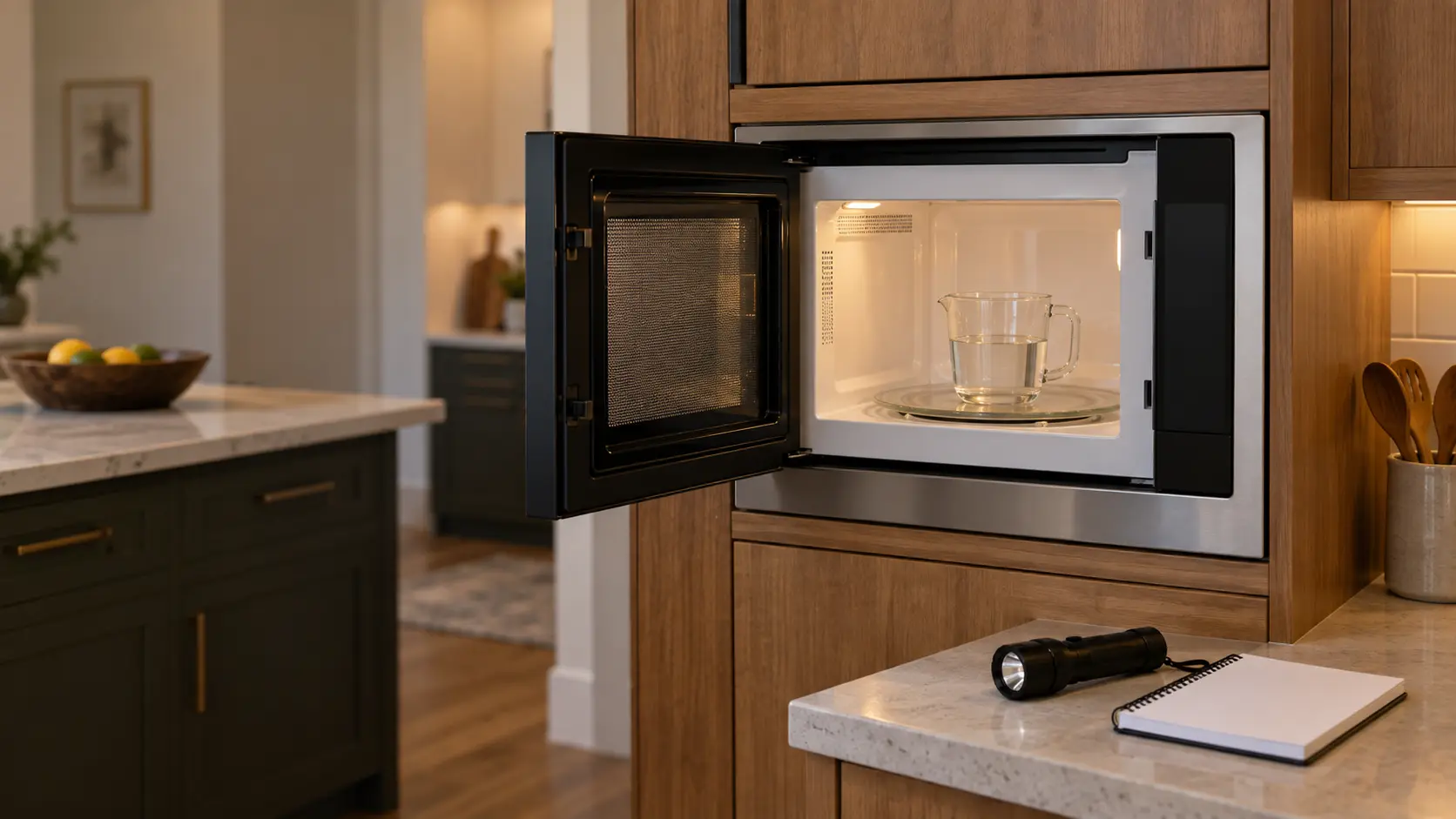
Put a cup of cold water in a glass measuring cup, run it for one minute on full power, and feel it. Clearly warm water means the heating side is working and any complaint is about settings, loading or the food. Water no warmer than when it went in points to the high-voltage side.
Never run the check with the cavity empty. GE warns that operating a microwave with nothing inside can damage the interior, and Sharp tells owners to always have food in the unit when it is on, so the energy has something to go into.
Source: Sharp — Microwave Drawer SMD2470AS / SMD3070AS operation manual — Before calling for service check the cord, the house fuse or breaker, and demo mode; control lock is set and released by holding Stop/Clear for 3 seconds; always have food in the unit when it is on; do not operate with a bent door, broken or loose hinges and latches, or damaged seals; GE Appliances — Microwave: arcing or making sounds — Operating the microwave empty can damage the interior
Look at the door, but leave the inside alone
Sharp's safety instructions list what must not be damaged before the unit is used: the door (bent), the hinges and latches (broken or loose), and the door seals and sealing surfaces. The FDA adds that a microwave whose door does not close firmly, or is bent, warped or otherwise damaged, should not be operated. Look along the edge in good light and close it slowly.
Some movement is normal. GE says a microwave door can move up and down or in and out by around an eighth of an inch, that steam around the door and moisture between the door panels after cooking are expected, and that none of this means energy is leaking. A door that springs open, a latch that does not click, or a unit that runs with the door open is different, and ends the checks right there.
- Door closes and latches with a click, moves slightly in its frame: normal.
- Steam at the edges or mist between the door panels after cooking: normal.
- Bent corner, cracked window, loose hinge or no click: stop using it and book.
Source: Sharp — Microwave Drawer SMD2470AS / SMD3070AS operation manual — Before calling for service check the cord, the house fuse or breaker, and demo mode; control lock is set and released by holding Stop/Clear for 3 seconds; always have food in the unit when it is on; do not operate with a bent door, broken or loose hinges and latches, or damaged seals; GE Appliances — Microwave: normal operational characteristics — Door movement up to around 1/8 inch, steam around the door and moisture between the door panels are normal and do not mean microwave energy is leaking; FDA — Microwave ovens — Do not operate a microwave oven if the door does not close firmly or is bent, warped or otherwise damaged
What to write down before you call
A few notes make the first visit shorter. Photograph the model and serial plate, write down exactly what the display shows, including any letters or numbers that flash, and describe the sound: a hum, a buzz, a click, silence. Note whether the light, fan and turntable run, what the water check showed, and whether the trouble started after a power cut, a spill or a sparking incident.